
How to Avoid Regret Buying the Xbox Nano Controller
How to Avoid Regret Buying the Xbox Nano Controller The Xbox Nano Controller is $49.99, pocket-sized, and open for pre-order. The headlines make it sound like…
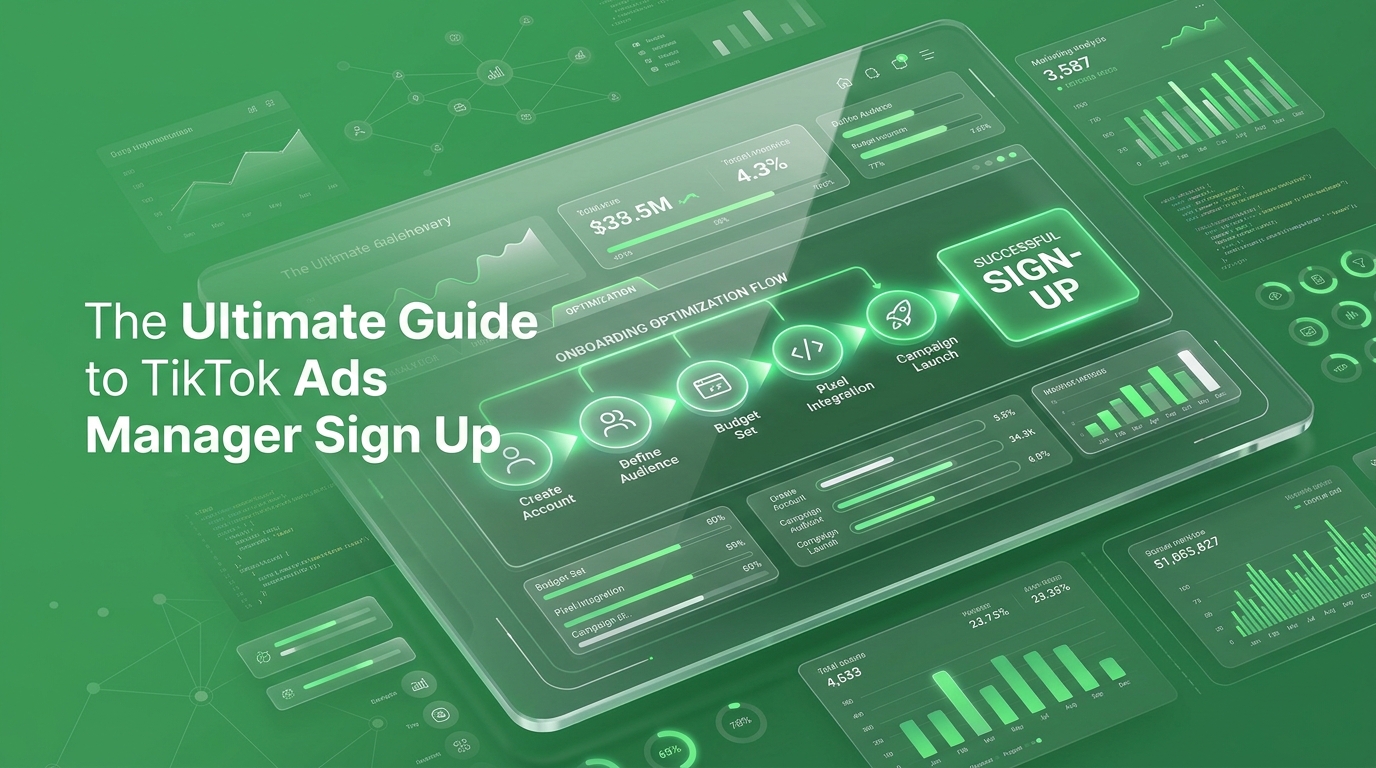
Hitting an administrative roadblock before you even launch a campaign can derail your entire marketing schedule. Unfortunately, many brands rush through their tiktok ads manager setup only to be met with an immediate, frustrating manual review banner. While standard guides show you which buttons to click, they completely ignore the compliance nuances that determine whether TikTok instantly trusts your business or flags your account before an ad ever runs. Getting approved without weeks of back-and-forth support is crucial if you want to protect your ad account health and scale your budget smoothly. In this article, we will break down the exact signup fields that trigger automated red flags, how to build immediate trust with the platform, and the step-by-step verification process required for a flawless account setup.
Most rejections don’t stem from policy violations they trace back to data discrepancies. When your entered business name doesn’t align with your official registration documents or the domain registration of your website URL, TikTok’s automated security protocols flag the account for manual review. Ensuring perfect alignment across these core fields prevents lengthy delays and guarantees a smooth approval process.
The TikTok Ads Manager sign-up form looks harmless. Email or phone number. Password. Agree to terms. Click Sign Up. You get a verification code, and a few screens later you’re entering basic business details country, time zone, currency, industry, legal business name.
It feels like paperwork. It isn’t.
Here’s what actually trips people up:
None of these fields look risky in the moment. All three are the most common reasons an account sits in review limbo instead of running ads.
Most people treat the sign-up as a five-minute chore standing between them and their first campaign. That’s backwards.
TikTok’s review system is checking for consistency does your business name, website, and billing information tell the same story? Accounts that pass this check cleanly move straight to setup. Accounts that don’t get pulled into a queue, and that queue doesn’t move on your schedule.
This matters more than it used to. Kepios’s analysis, reported by DataReportal, found TikTok ads reached close to 30% of the world’s internet users in early 2025, and that audience has only kept climbing since. The businesses getting real value out of that reach aren’t the ones with the cleverest ad creative. They’re the ones who got the account right the first time and started collecting data weeks before their competitors finished their second review submission.
There’s a second decision hiding here too: whether you sign up for a single ad account or set up a Business Center from the start. If you’re planning to run more than one ad account, add team members, or eventually manage TikTok alongside your other paid channels, doing this on day one saves you a painful migration in month three.
Follow this order. Don’t skip ahead to the campaign builder before your account is fully verified that’s how accounts end up stuck.
If your account gets flagged, don’t create a second one out of frustration that usually makes things worse. Go back into Account Setup, correct the specific mismatch (nine times out of ten it’s the business name or the website), and resubmit. Most delays clear once the inconsistency is fixed.
Here’s the part most people miss: the businesses that treat their ad account setup as a real decision not a formality are the ones with the cleanest data six months in. Clean data is what lets you tell whether a campaign actually worked or whether TikTok’s algorithm just got lucky for a week.
A TransUnion meta-analysis of TikTok advertising found the platform delivered nearly double the share of conversions relative to its share of ad spend across the brands studied. That kind of return doesn’t show up in your first week. It shows up for businesses that got the foundation right, let the account mature, and gave the data time to tell them something useful.
This is the exact audit we run before we ever touch a client’s ad spend at “TheMayk” checking account structure, billing setup, and tracking before a single dollar goes toward Facebook, Instagram, or TikTok ads. Nine times out of ten, the accounts that underperform weren’t broken by bad creative. They were broken by a setup nobody double-checked. Once that’s fixed, the conversion data and funnel analysis that come out of the account are actually worth acting on.
Stop guessing whether your account is set up to scale. Book a free 20-minute strategy call and we’ll walk through it with you before you spend a single dollar.
A successful TikTok campaign doesn’t start with a viral video; it starts with a flawless setup. Treating your TikTok Ads Manager sign-up as a strategic foundation rather than a bureaucratic chore ensures your data remains clean, your account stays active, and your budget actually drives conversions. Don’t let a simple form mismatch stall your growth. Let’s get your account right from day one book your free strategy call today.
Because in 2026, the difference between a “No” and a “Yes” isn’t your tech stack it’s the human strategy behind it. Let’s turn your digital ghost town into a conversion machine.
How to Avoid Regret Buying the Xbox Nano Controller The Xbox Nano Controller is $49.99, pocket-sized, and open for pre-order. The headlines make it sound like…
Is the Xbox Nano Controller Actually Comfortable? You’ve read the headlines: five inches, 3.5 ounces, $49.99, all 18 inputs. Everyone’s calling it cute. Nobody’s answered the…
How to Master Social Media Marketing Fast You are posting three times a week on Instagram and LinkedIn. Your designer makes pristine templates, and your team…
How we use your info: Used strictly to review your project, prepare tailored insights, and reach out for a 1-on-1 strategy call. Zero spam, zero shared data.