
How to Avoid Wasting Money on Digital Ads
How to Avoid Wasting Money on Digital Ads You’re putting real money into ads and the dashboard says things look fine. Clicks are up. Your agency…
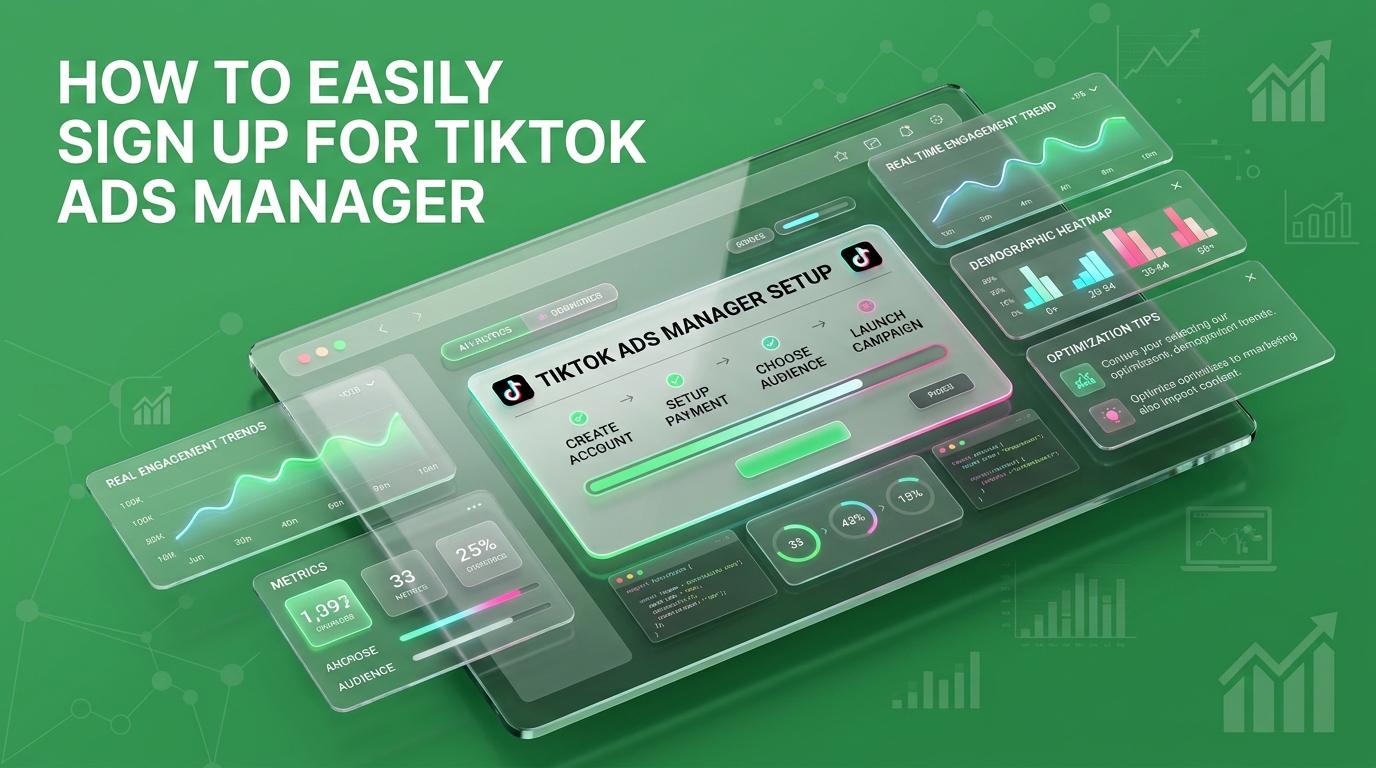
Want to launch your first campaign this week instead of next month? Getting your TikTok Ads Manager sign-up right the first time is crucial if you want to bypass the dreaded approval delays that stall most businesses. Most guides just tell you where to enter your email and password, leaving you wondering why your account is stuck in review days later. The secret lies in a specific, optimized submission order that guarantees a fast pass to approval.
In this beginner-friendly guide, we will walk you through the exact steps to register for TikTok Ads without the headache. You’ll learn how to set up your Business Center correctly, configure your billing info, and discover the exact strategies needed to avoid the common pitfalls that cause account review limbo. Let’s get your ads live!
Getting stuck in review limbo does more than delay your campaign launch; it stalls your brand’s market momentum. While your competitors are actively scaling conversions and gathering valuable pixel data, an account trapped in administrative review leaves your growth completely stagnant. A precise, systematic setup guarantees immediate access to TikTok’s massive audience from day one. By prioritizing operational compliance during registration, you secure a clean approval and establish the robust infrastructure needed to scale your paid media successfully.
Nobody outright rejects your TikTok Ads Manager application. What actually happens is smaller and more annoying your account sits in review, and you don’t get told why.
Three fields cause almost every delay:
None of this feels risky while you’re typing it into a text box. It’s just a form. But you’re not filling out paperwork you’re feeding data into a system that’s checking whether your story holds together before it lets you spend a dollar.
You don’t find out about the check. You just find out you failed it.
Here’s where it gets interesting.
Most people treat the sign-up screen like a formality between them and the campaign builder. That’s the wrong model. TikTok’s own Ads Manager setup documentation is explicit about this: if your legal business name doesn’t match the actual name of your business, approval gets harder and slower not because a person is judging your brand, but because the fields don’t line up.
That’s the mechanism most sign-up guides skip. Your business name, your website, and your billing details get checked against each other automatically. Consistency moves you straight through. A mismatch even an innocent one, like using your DBA instead of your registered name pulls you into a queue that doesn’t run on your schedule.
TikTok’s advertiser base has grown fast enough that the platform can afford to be strict about this. Statista’s own tracking of the platform puts its download count above 159 million in the first quarter of 2026 alone TikTok isn’t chasing advertisers. It’s filtering them.
Know that going in, and the form stops being a guessing game.
Follow this sequence. Don’t jump ahead to the campaign builder before every field below is locked in that’s how accounts end up stuck.
Six steps. No guessing which field trips people up, because you already know.
There’s a decision buried in this process that most guides don’t call out: whether you sign up for a single ad account or set one up inside a Business Center from day one.
If you’re running one brand, one account, one person managing it a standard advertiser account is fine.
If you’re planning to add team members, manage more than one ad account, or eventually run TikTok alongside your other paid channels, set up the Business Center now. Building this in from the start is a five-minute decision. Bolting it on later is a migration project.
Make the call before you submit, not after your account is already live.
Here’s what most people miss: the accounts that clear review in one pass aren’t the ones with the best creative ready to go. They’re the ones where someone treated the sign-up form as a real decision instead of a formality standing between them and the fun part.
This is the same audit we run before we ever touch a client’s ad spend at “TheMayk” checking account structure, business details, and billing setup before a single dollar goes toward Facebook, Instagram, or TikTok ads. Once that foundation is clean, the conversion data and funnel breakdowns coming out of the account are actually worth acting on — not muddied by a week of review limbo skewing your early numbers.
Once your account’s approved, the next decision is what you do inside it worth a look at how to actually navigate TikTok Ads Manager once you’re in.
Stop guessing whether your setup is slowing you down. Book a free 20-minute strategy call and we’ll get your account structured right before you spend a single dollar.
Bypassing the TikTok Ads Manager review delay isn’t about luck; it is about absolute precision. By aligning your business details, choosing the right account structure, and treating the registration process as a vital foundational step, you easily prevent costly administrative bottlenecks. Don’t let setup oversight stall your momentum. Take control of your setup today, clear the queue seamlessly, and ensure your brand is fully prepared to launch profitable campaigns successfully.
Because in 2026, the difference between a “No” and a “Yes” isn’t your tech stack it’s the human strategy behind it. Let’s turn your digital ghost town into a conversion machine.
How to Avoid Wasting Money on Digital Ads You’re putting real money into ads and the dashboard says things look fine. Clicks are up. Your agency…
How to Fix a Weak Brand Identity You’ve paid for the logo, the website, even a brand guide nobody opens. Prospects still start calls with “so,…
How to Avoid Common SEO Mistakes That Hurt Rankings You’ve published consistently. You’ve built links. You’ve done the keyword research, the meta tags, the alt text…
How we use your info: Used strictly to review your project, prepare tailored insights, and reach out for a 1-on-1 strategy call. Zero spam, zero shared data.