How to Avoid Back Button Hijacking Spam Penalties
How to Avoid Back Button Hijacking Spam Penalties A visitor opens your page from Google Discover, hits Back, and gets thrown onto a page they never…
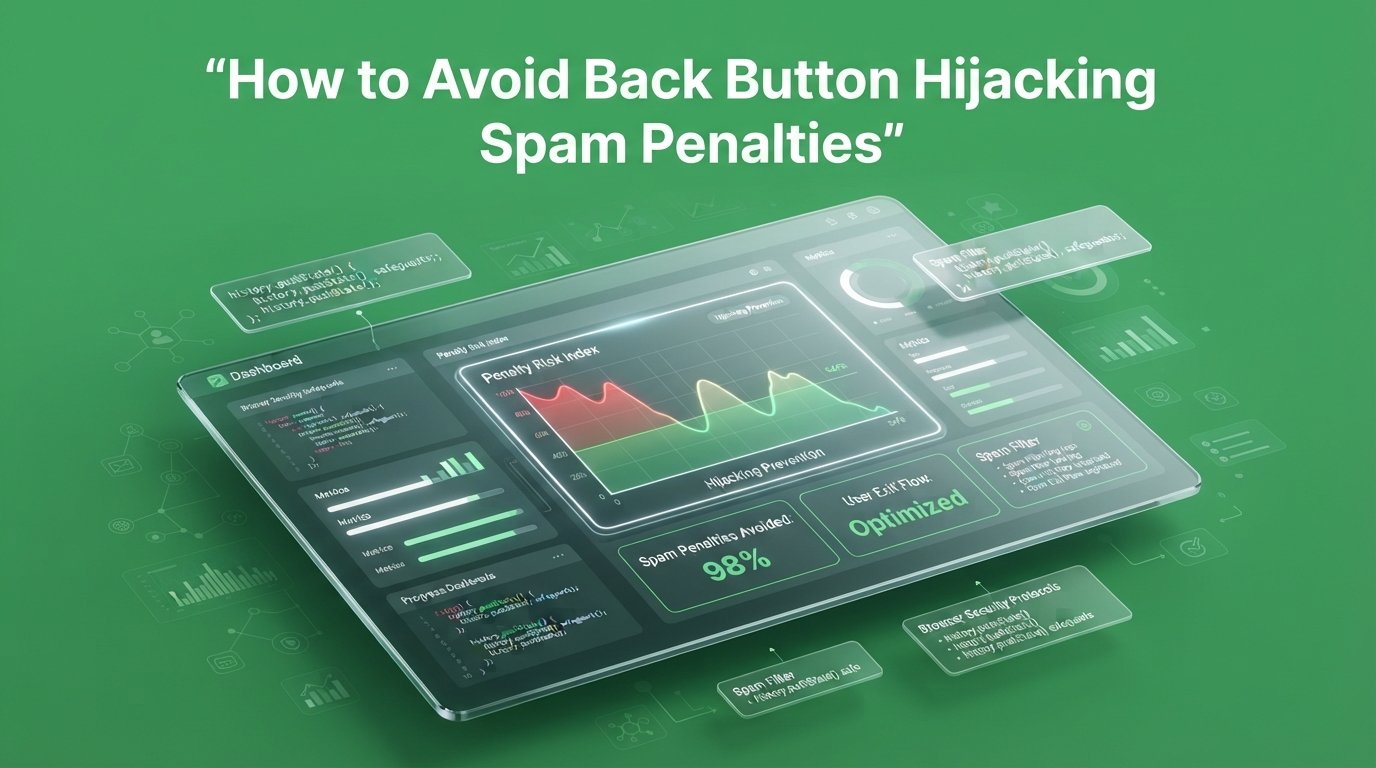
A visitor opens your page from Google Discover, hits Back, and gets thrown onto a page they never asked for. Your ad partner calls that engagement. Google calls it back button hijacking, and it’s been an enforced spam violation since June 15, 2026. The part that stings: it doesn’t matter who wrote the script, because if it runs on your page, the penalty lands on your page.
Monetization tools often target the moment a visitor clicks Back because it feels like a final chance to capture attention. Even Google retired its own Back-button vignette trigger when enforcement started on June 15, 2026, and browsers like Chrome ignore unprompted history changes unless a tap or click happens first. That means sneaky redirects usually fire after user interaction, trapping people on unwanted pages while putting your rankings at risk.
Here’s how it usually happens. You add an ad network, an exit-intent pop-up, a “keep reading” widget, maybe a redirect plugin someone recommended. Each one passes your tests on its own.
Then one of them quietly stuffs extra entries into the browser’s history. The Back button stops going back.
Google’s definition is blunt: a site manipulates browser history or related functions so visitors can’t get straight back to the page they came from. They may land on pages they never visited, or get hit with recommendations and ads they didn’t ask for.
Most owners find out one of three ways: a traffic dip, a Search Console message, or a reader complaint. By then you’re chasing a back button hijacking Google penalty instead of a bad script.
You don’t need bad intent to earn this. You only need one careless script.
On November 23, Google added a five-question FAQ to its back button hijacking spam policy. Read it like an owner, not a news reader. Here’s what it settles:
That social bullet changes your testing. A check that starts from a Google results page misses visitors Google just said it protects.
The stakes are real. Pages caught doing it can face manual spam actions or automated demotions, and Google says repeat violations can lead to further manual actions that hit the site’s overall ranking.
The vendor’s name won’t be on the penalty. Yours will.
Why does this keep happening? Because the moment someone hits Back is the last moment you have their attention. Tools built to monetize attention went straight for it.
Google’s own ad product did it too. AdSense had a trigger that showed a vignette ad when visitors pressed Back, and Google removed it starting June 15, 2026, the same day enforcement began. If Google’s ad team had to back out, a third-party widget isn’t getting a pass.
Now here’s the part most people miss. Chrome already skips history entries a page adds without any user interaction. That sounds like protection. In practice, it means the traps that survive tend to fire after a tap or a click.
So the five-second glance you gave the page last quarter proved nothing. You’re not hunting a broken script. You’re hunting a script that works perfectly at the wrong moment.
The exit isn’t ad inventory. It’s the visitor’s decision, and Google just sided with the visitor.
Six steps. Do them in order, on staging when you can. This is how to check for back button hijacking without guessing.
Open your top landing pages from a Google results page, from Discover if you get that traffic, and from a link shared on social. Use a regular browser tab with no extensions, so nothing muddies the result.
On each one, scroll, tap something harmless, then press Back once. Repeat on iPhone and Android, since behavior can differ by device.
If your website redirects when clicking the back button, that’s the symptom. Write down the page, the device, and the entry point.
A clean result from one door says nothing about the other two.
Open the Manual actions report in Search Console and your Messages inbox. Google says it notifies you in both places.
No message doesn’t mean you’re clear, because demotions can be automated. If traffic dropped and Search Console is quiet, rule out noise first. We’ve covered how to tell a core update from real damage and why your rank tracker shows false drops.
A quiet inbox and a clean site are not the same thing.
Load the page in Chrome, open DevTools, and search across all loaded files (Ctrl+Shift+F, or Cmd+Option+F on Mac). Look for these:
pushStatereplaceStatepopstatelocation.replacePer MDN, pushState adds a new history entry, while replaceState rewrites the current one. Single-page apps use both legitimately. You’re looking for calls that fire without a click, or that sit in files from domains you don’t recognize.
Quick tell: on a fresh tab, type history.length in the console right after landing, then do the same on a clean page elsewhere. A noticeably higher number on yours suggests something is adding entries. It’s a hint, not proof.
An unknown domain plus history calls is your suspect list.
Disable one, retest, repeat. Kill everything at once and you’ll never learn which one did it. Check these:
If you’re working out how to fix back button hijacking on WordPress, clone the site to staging first. It’s the same staging-first routine we use for WordPress updates. Deactivate plugins in small batches, check the header and footer script fields in your theme, and retest after each change.
On Shopify, check your installed apps and your theme files, because removed apps can leave snippets behind.
The culprit is almost always something you installed for a different reason.
Email each partner: Does any tag you serve write to browser history or intercept the Back button? If so, which setting turns it off?
You’re not cutting revenue. Google says site owners can keep working with ad platforms. The behavior is what gets you flagged. Keep every reply. If a rep dodges the question, you’ve learned something about the back button hijacking ad code on your page.
A vendor who can’t answer in writing shouldn’t be on your page.
Repeat step 1 on fresh devices. If you had a manual action, fix every affected page, then request a review in Search Console. Google says these reviews can take several days or weeks.
Then make it a habit. Retest after every new plugin, ad setting, or theme update, because the next script update can bring the problem back. A sudden jump in exits from one landing page in your website analytics or behavioral tracking is often the first clue.
Last thing. If you were squeezing conversions out of the exit, move that offer onto the page, where visitors can actually say yes. Conversion rate optimization does the same job without the trap.
Rescue the sale on the page, not on the way out.
Implement that playbook, and momentum becomes the only conversation.
This is how we approach it at “TheMayk”: script by script, on staging, from every door your traffic comes through, before anyone touches rankings. It sits right where our web development and technical SEO work overlap.
If your traffic dipped and you can’t explain why, let’s find out. Book a free strategy call at www.themayk.com.
Back button hijacking penalties can hit your site even when third-party ad scripts are the culprit. Audit your history manipulation, test across Search, Discover, and social channels on mobile, and hold vendors accountable. Protect your rankings and visitor trust book a free strategy call at www.themayk.com before Google flags your site.
Because in 2026, the difference between a “No” and a “Yes” isn’t your tech stack—it’s the human strategy behind it. Let’s turn your digital ghost town into a conversion machine.
How to Avoid Back Button Hijacking Spam Penalties A visitor opens your page from Google Discover, hits Back, and gets thrown onto a page they never…
How to Optimize Images for AI Search and Boost Visibility Your product page ranks first. A shopper asks ChatGPT a question your product answers, and the…
Why Your Rank Tracker Is Showing False Drops You open your rank tracker on a Tuesday morning and see ten money keywords wiped off page one.…
How we use your info: Used strictly to review your project, prepare tailored insights, and reach out for a 1-on-1 strategy call. Zero spam, zero shared data.