Search Console Branded Queries: How to Track Growth
Search Console Branded Queries: How to Track Growth You’re watching total organic clicks climb on a weekly call, yet new pipeline feels strangely flat. Your agency…
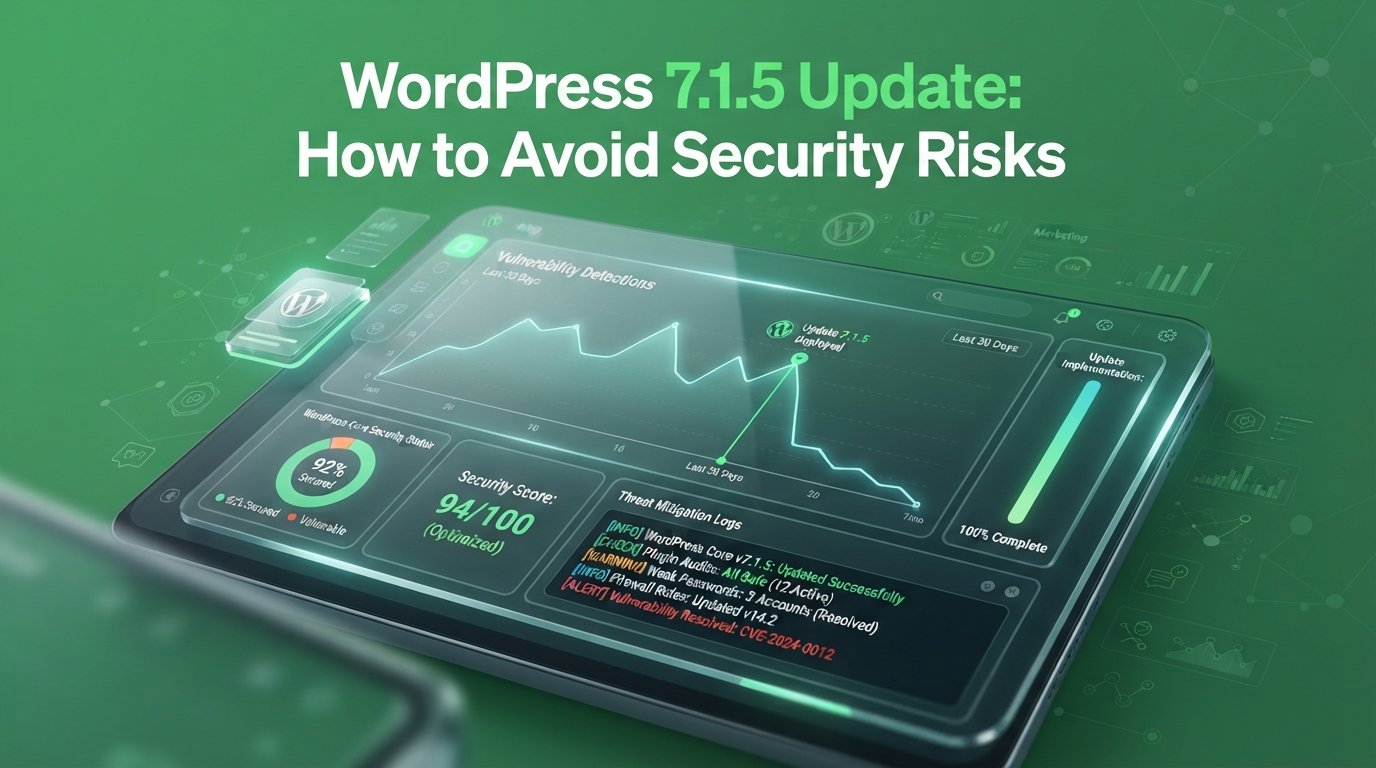
You see the red notification badge inside your WordPress dashboard, and you immediately close the tab. Your developer told you to wait a few weeks so nothing breaks, or worse, you assume your hosting provider handles this stuff automatically.
Here is the reality: waiting on the WordPress 7.1.5 update leaves a documented front door open to attackers right now.
The November 18 WordPress 7.1.5 security release arrived just three weeks after version 7.1.4. If you run a six- or seven-figure business on WordPress, delaying this patch isn’t caution it’s gambling with your revenue.
Your website is the engine behind your revenue, not an optional side project. Leaving known security flaws unpatched while you chase new traffic burns customer trust fast. We run this exact staging, patching, and checkout audit across every WordPress build we manage at “TheMayk”. Stop guessing whether your site is exposed. Visit www.themayk.com to lock down your growth stack today.
Most business owners treat a minor version bump like an optional coat of paint. You see “.5” at the end of a version number and assume it only fixes typos or obscure backend glitches.
That assumption is expensive. The WordPress 7.1.5 vulnerabilities include 18 distinct security flaws alongside two core hardening improvements.
Even worse, one of those patched flaws allows unauthenticated WordPress remote code execution. In plain English, an attacker doesn’t need a password, an admin login, or an inside leak to run malicious code on your server.
Look at the recent pace of core patches:
Version 7.1.4 closed 22 separate security vulnerabilities just three weeks ago.
Version 7.1.5 followed on November 18 with another 20 total security fixes and hardening changes.
Automated bots begin scanning the web for unpatched sites within hours of every public release notes announcement.
When a security release drops, the patch notes double as a treasure map for hackers. Every day you stall gives automated scripts more time to find your domain, inject malware, or hijack your checkout pages.
You aren’t protecting your uptime by stalling you’re just giving attackers a head start.
If waiting is dangerous, rushing in without a plan is equally reckless. Most non-technical owners read an urgent security alert, panic, and smash the “Update Now” button directly inside their live production dashboard.
Ten minutes later, the checkout button disappears, custom forms stop firing, and paid traffic lands on a white screen of death. A security patch only protects your business if your revenue engine survives the installation.
At ‘TheMayk”, we audit dozens of high-traffic WordPress builds every quarter. Almost every broken update traces back to the exact same root cause: bloated plugin stacks stacked on top of custom themes nobody has tested in two years.
When core WordPress code changes to block an exploit, poorly coded third-party plugins often choke on the new security rules. The problem isn’t the WordPress security update itself it’s updating without a safety net.
Speed matters, but sequence matters more.

You don’t need a computer science degree to protect your site, and you don’t need to wait three weeks for a freelancer to reply to an email. If you want to know how to update WordPress safely today, follow this exact five-step sequence.
Never trust a hosting dashboard that claims “daily backups are enabled” without verifying where those files live. If an update corrupts your database, a backup stored on the same broken server won’t save you.
Export a full snapshot of both your site files (wp-content directory) and your MySQL database.
Download a local copy or push the archive to off-site cloud storage like Amazon S3 or Google Drive.
Verify the file size before moving on so you know you aren’t holding an empty zip folder.
An untested backup is just a placebo.
Read your last five posts out loud. If they sound like a dry textbook, rewrite them with a specific, spicy opinion.
A staging site is an exact private copy of your website where you can break things without customers ever seeing it. Most reputable business hosts let you spin one up in two clicks.
Push your live site to staging and lock it behind password protection so Google doesn’t index a duplicate domain.
Run the WordPress 7.1.5 update inside staging first to expose any fatal PHP errors or layout shifts immediately.
Check your error logs right after the core files finish replacing themselves.
If something breaks in staging, it costs you zero dollars; if it breaks in production, it costs you every active visitor.
Order of operations prevents 90% of post-update conflicts. Don’t select every checkbox on your updates screen and hit bulk update at once.
Update your active plugins first so they are already compatible with the newest core security standards.
Update your parent and child themes next, ensuring custom templates align with current code hooks.
Install the WordPress 7.1.5 security release last, allowing the core software to lock down the environment cleanly.
Follow that sequence every single time and your conflict rate drops overnight.
Seeing a green “WordPress updated successfully” banner doesn’t mean your business is actually working. Once you push the validated changes from staging to live, walk through your site like a paying customer.
Clear all caching layers, including your WordPress cache plugin, server-level cache, and Cloudflare CDN.
Submit a live test lead on your primary contact and demo booking forms to confirm CRM webhooks fire properly.
Run a real $1 test transaction through your checkout flow to verify payment gateways and order confirmation emails.
Never assume a working homepage means a working checkout.
If your site is still sitting on WordPress 6.x or an early 7.0 build, do not jump straight to 7.1.5 in a single leap. Skipping multiple major releases forces too many database schema changes at once.
Upgrade one major branch at a time (for example, moving through 7.0 before jumping to 7.1.5) to let database migrations settle cleanly.
Audit abandoned plugins that haven’t been updated in over 12 months and replace them before touching core files.
Mark December 8 on your calendar, because WordPress 7.2 ships next—and keeping your stack clean now makes next month’s upgrade painless.
Technical debt always collects interest when you ignore it.
Never trust a hosting dashboard that claims “daily backups are enabled” without verifying where those files live. If an update corrupts your database, a backup stored on the same broken server won’t save you.
Export a full snapshot of both your site files (wp-content directory) and your MySQL database.
Download a local copy or push the archive to off-site cloud storage like Amazon S3 or Google Drive.
Verify the file size before moving on so you know you aren’t holding an empty zip folder.
An untested backup is just a placebo.
Read your last five posts out loud. If they sound like a dry textbook, rewrite them with a specific, spicy opinion.
Implement that playbook, and momentum becomes the only conversation.
Your website isn’t a digital brochure it’s the core infrastructure holding up your ad spend, your SEO rankings, and your customer trust. Leaving known vulnerabilities unpatched while you focus on top-of-funnel campaigns is like pouring water into a bucket with no bottom.
This exact staging, patching, and conversion-verification workflow is standard protocol inside THEMAYK’s Web UX and platform systems. We build and maintain high-converting WordPress architectures designed to stay fast, secure, and profitable through every core release.
Stop guessing whether your site is safe or silently leaking revenue. Visit www.themayk.com to audit your platform and lock down your growth stack today.
Your site is the engine behind your revenue, not a side project. Leaving known flaws unpatched burns trust fast. We run this exact staging and update check across our WordPress builds at THEMAYK. Stop guessing whether your site is exposed. Visit www.themayk.com to lock down your platform and start growing.
Because in 2026, the difference between a “No” and a “Yes” isn’t your tech stack—it’s the human strategy behind it. Let’s turn your digital ghost town into a conversion machine.
Search Console Branded Queries: How to Track Growth You’re watching total organic clicks climb on a weekly call, yet new pipeline feels strangely flat. Your agency…
WordPress 7.1.5 Update: How to Avoid Security Risks You see the red notification badge inside your WordPress dashboard, and you immediately close the tab. Your developer…
How to Stop Wrong Coupon Codes Showing in AI Answers Black Friday is six days away. A shopper types your brand name and “coupon code” into…
How we use your info: Used strictly to review your project, prepare tailored insights, and reach out for a 1-on-1 strategy call. Zero spam, zero shared data.