
Blogs > Why Are My Meta Ads Not Spending?

Why Are My Meta Ads Not Spending?

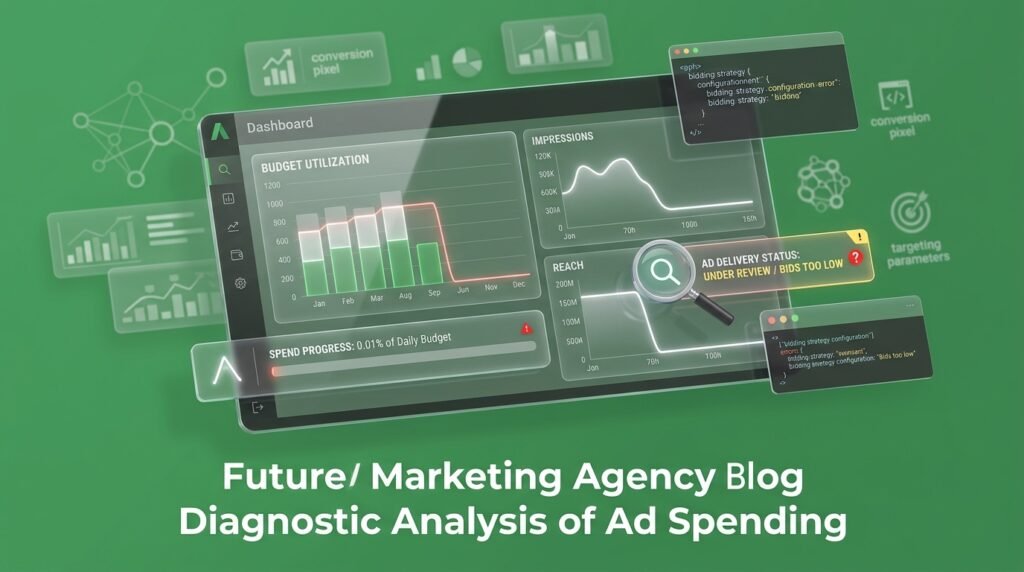
Your ad account says active. Your daily budget is set at $150. Your spend, three days in, is $4.

Support tells you it’s automatic and to give it time. Your agency says the algorithm is “still learning.” Neither one is checking the three things we check first: your payment method, your spending limits, and your audience size in that exact order.

A campaign that isn’t spending isn’t a mystery. It’s a checklist Meta hasn’t cleared yet.

When Meta’s Silent Speed Bumps Freeze Your Cash Flow

Beyond hard account limits, Meta frequently throttles spending through subtle, quiet mechanisms designed to protect user experience. High negative feedback from users hide-clicking your ad, an excessively high auction bid floor, or aggressive frequency caps can silently choke delivery overnight. Instead of throwing dramatic dashboard errors, the system simply drops your ad out of competitive auctions leaving your budget completely untouched while your account quietly collects digital dust.

The Moment Your Dashboard Shows Nothing But Zeros

Here’s what usually happens first. You launch on a Monday, expecting spend to ramp by Tuesday. By Wednesday, the numbers haven’t moved.

The instinct is to raise the budget. Maybe $150 a day isn’t enough to compete in the auction, so you push it to $300. Spend still doesn’t move.

Next comes the creative panic. You swap the headline, change the image, rewrite the copy anything that might be “the problem.” Every one of those edits sends the ad back through review and resets the clock you were already waiting on.

This is the expensive part. Not the missed spend the missed week. A product launch has a shelf life. A seasonal promotion has a deadline. Every day your ad sits at zero is a day that doesn’t come back, and most of the fixes people reach for first make the wait longer, not shorter.

Not Spending Isn't The Same As Not Delivering

Most advertisers treat “not spending” and “underperforming” as the same problem. They aren’t.

An ad set stuck in Learning Limited is spending just inefficiently, because it can’t gather enough conversion signal to optimize with confidence. Meta’s own guidance on the learning phase explains how the delivery system uses this early period to test audiences and placements before it settles into stable delivery.

An ad set stuck at zero spend is a different animal entirely. Nothing is being tested, because Meta hasn’t cleared it to run yet. That’s not an optimization problem. That’s a gate.

Here’s where it gets interesting: Meta’s delivery system checks account trust, policy status, and audience reach before it ever gets to optimization. If you’re stuck on gate one, tweaking your creative for gate three does nothing.

That distinction is the difference between a campaign that needs patience and one that needs a specific fix, tonight.

Case Study

Stop Leaking Revenue to "Optimized" Mediocrity

Key Takeaway

What Meta Is Actually Checking Before It Spends Your Budget

Three gates decide whether a dollar of your budget goes anywhere. Miss one, and the rest never get tested.

Your payment method has to actually work. According to Meta’s guidance on preventing payment failures, expired cards, per-transaction limits, and payment methods tied to too many accounts are common, quiet causes of stalled billing. If your card declines, Meta doesn’t send a dramatic alert. It just stops spending.

Your account can’t be capped by a limit you forgot you set. Both self-imposed account spending limits and Meta-applied daily limits on newer accounts can silently freeze delivery while everything upstream looks perfectly normal.

Your ad has to clear review, and your audience has to be reachable. Meta’s own delivery troubleshooting guide points to review status, targeting, and auction competitiveness as the next layer once billing is confirmed clean.

Most “not spending” cases live in one of those three gates. Rarely is the fix a bigger budget. Almost always, it’s a smaller, overlooked setting.

How To Get Your Ad Set Spending Again

Work this in order. Skipping ahead to step four when the real issue is step one just burns more time.

Check billing first.

Go to Billing & Payments in Ads Manager and look for a failed charge, an expired card, or a “add a payment method” prompt. This single check resolves more zero-spend cases than anything else on this list.

Look at both your account spending limit and any campaign-level limit. It’s easy to set one during setup and forget it exists.

“In review” means wait it out, generally under 24 hours. “Rejected” means read avthe specific policy reason before you touch anything else.

If your estimated audience is a few thousand people, Meta may not have enough inventory to spend against, especially at a higher budget. This is also where a conversion rate optimization audit earns its keep a tight audience paired with a leaky landing page compounds the problem instead of just doubling it.

Check for audience overlap.

If two of your own ad sets target the same people, they’re bidding against each other, and Meta will throttle one to protect the other.

Every additional change restarts review and, in some cases, the learning phase. Fix the one gate that’s actually closed, then leave the account alone for 24 to 48 hours.

Do this in order and most zero-spend accounts start moving within a day. Do it out of order, and you’ll keep fixing things that were never broken.

What We Check First When A Client's Spend Flatlines

When a client brings us a flatlined account, we don’t touch the ad copy. We pull billing status, spending limits, and audience size, in that order, because that’s the sequence Meta is checking on its end too.

Most of the time, the real issue isn’t the offer or the creative. It’s a card that expired three weeks ago, or a spending cap someone set during onboarding and never revisited. Once that’s cleared, we watch delivery the same way we’d watch any funnel and drop-off analysis tracking it daily instead of guessing at what fixed it.

This is the same audit we run before we touch a client’s Meta, Instagram, and TikTok ad account in the first place, and it’s a large part of why accounts we manage rarely sit at zero for more than a day. If your team is also chasing a Google Ads delivery issue at the same time, worth checking both trust-based delivery systems tend to flag accounts for similar reasons across platforms.

Stop guessing at what’s blocking your spend. Book a free strategy call at themayk.com and we’ll walk your account, tell you exactly which gate is closed, and get your budget moving again.

Conclusion

A Meta ad account that won’t spend isn’t broken it’s stuck behind a specific, checkable gate: billing, a spending limit, review status, or audience reach. Work through those in order before you touch your creative or raise your budget. Fix the actual blocker once, leave the account alone for a day, and the spend you were waiting on shows up on its own.

See How Our Agency Grow Your Traffic Into Conversions

SEO – unlock sustainable growth with proven search strategies.
Content Strategy – magnetic content that earns links, shares, and brand authority.
Paid Media – precision campaigns built for measurable ROI.

Blogs

Should a Manufactururer’s Website Show Prices?

Should a Manufactururer’s Website Show Prices? Your sales team wants every conversation to start with a phone call. Your competitor’s website shows a starting price on the same page you’re still gatekeeping behind a “Request a Quote” button. Most manufacturers assume hiding the number protects the deal. What it actually protects is your competitor’s tab, […]

Why Are My Meta Ads Not Spending?

Why Are My Meta Ads Not Spending? Your ad account says active. Your daily budget is set at $150. Your spend, three days in, is $4. Support tells you it’s automatic and to give it time. Your agency says the algorithm is “still learning.” Neither one is checking the three things we check first: your […]

How to Set Up TIkTok Ads Manager In 2026

How to Set Up TIkTok Ads Manager In 2026 You just burned $3,000 on TikTok ads. Your dashboard shows 14 conversions. Your Shopify analytics shows two. Your media buyer insists the algorithm just needs more time to learn, but deep down, you know the truth: you are burning cash to feed broken attribution data to […]

LET'S TALK GROWTH

Ready to scale your brand?

Tell us a bit about your goals, and we’ll show you how we can help.

How we use your info: Used strictly to review your project, prepare tailored insights, and reach out for a 1-on-1 strategy call. Zero spam, zero shared data.