
How to Avoid Regret Buying the Xbox Nano Controller
How to Avoid Regret Buying the Xbox Nano Controller The Xbox Nano Controller is $49.99, pocket-sized, and open for pre-order. The headlines make it sound like…
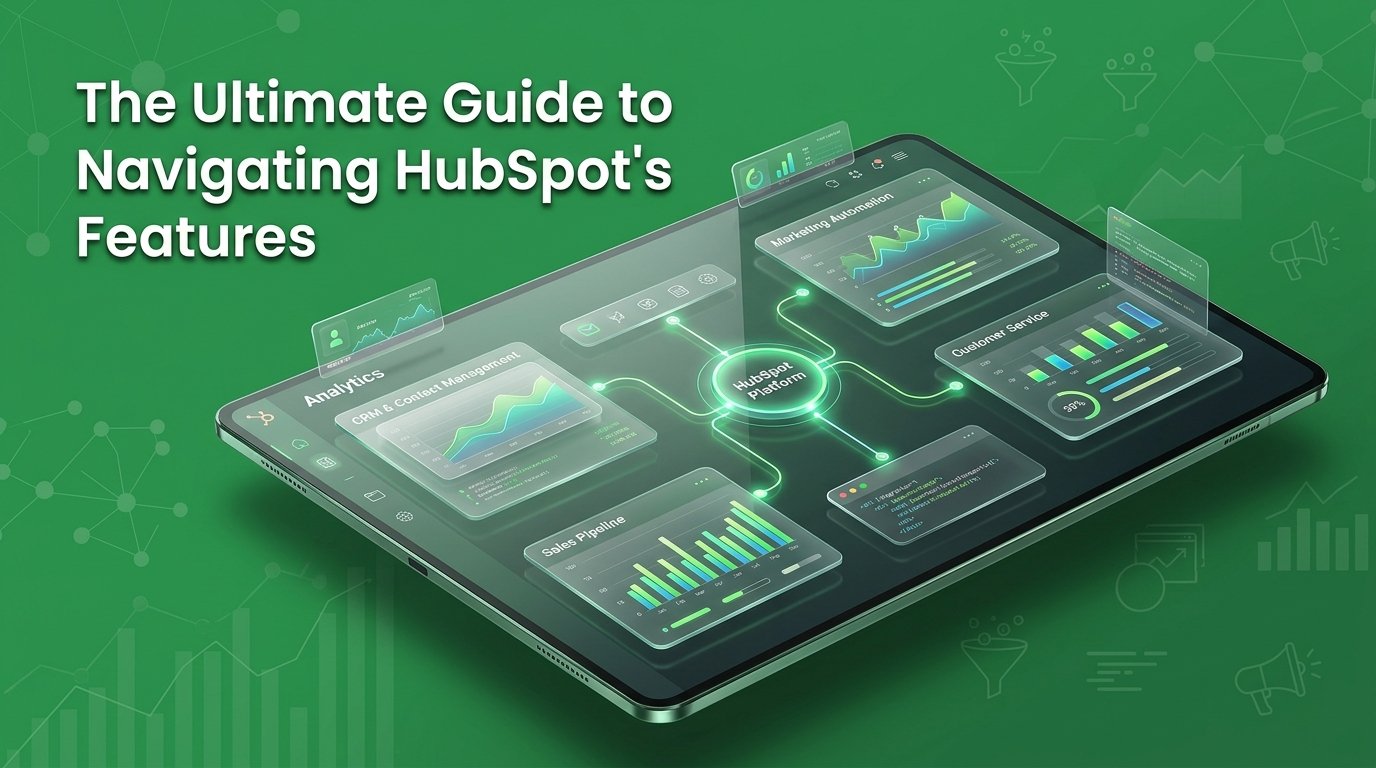
If you signed up for HubSpot CRM expecting to eliminate tool chaos only to get overwhelmed by complex tiers, credits, and setup options, you are not alone. Navigating a massive software ecosystem without a clear roadmap leads to wasted time, frustrated teams, and missed revenue opportunities. Taking control of your setup is essential if you want to turn an overwhelming onboarding process into a streamlined engine that actually simplifies your daily business operations.
In this ultimate guide, we break down everything you need to know to master your CRM strategy from day one. You will learn how to navigate feature hubs, optimize your initial setup, and build a scalable conversion infrastructure giving you the exact manual required to transform software clutter into real growth.
Navigating HubSpot’s extensive suite can easily feel overwhelming, leading to paid features sitting completely untouched. Success isn’t about activating every tool on day one; it’s about strategic sequencing aligned with your real growth priorities. By auditing your current setup, cleaning your foundational CRM data, and automating key workflows step-by-step, you eliminate software waste. Book a free audit call at www.themayk.com today to turn your investment into a streamlined growth engine.
Here’s the pattern we see with almost every new HubSpot account we audit. A founder or marketing lead buys in because a sales rep or a competitor mentioned it. They activate the CRM. Maybe a couple of email templates. Then they stop.
Meanwhile, they’re still paying for Professional or Enterprise access to tools sitting completely untouched. Segmentation nobody built. Workflows nobody turned on. A reporting dashboard nobody’s opened since setup.
This isn’t a HubSpot problem. It’s an onboarding problem. HubSpot itself reports that marketers using the platform are far more likely to call their strategy effective than marketers with no CRM at all 87% versus 52%, according to HubSpot’s own 2026 marketing statistics research. The tool works. The gap is that most teams never get past the free tier’s habits.
That gap is expensive. And it’s rarely about the software. It’s about not knowing what’s actually in the box.
Here’s the part most people miss when they hear “HubSpot”: it isn’t one product. It’s a shared customer database HubSpot calls it the Smart CRM with six specialized Hubs plugged into it, each sold and priced separately.
Marketing Hub, Sales Hub, Service Hub, Content Hub, Data Hub, and Revenue Hub all sit on top of the same CRM record. HubSpot’s own pricing pages confirm this structure, and it’s the single most important thing to understand before you touch a single feature.
Why does this matter so much? Because most businesses buy one Hub, use 20% of it, and assume that’s “using HubSpot.” Meanwhile the actual value the thing that makes HubSpot different from a pile of disconnected apps only shows up once two or more Hubs are talking to each other.
A lead who fills out a form isn’t just a marketing event. It’s the start of a record that sales, service, and billing all read from the same place. That’s the whole idea. Most companies never get there.
So here’s where it gets interesting: which Hub should you actually turn on first, and what does each one do once it’s live?
Before any Hub, there’s the Smart CRM free, and the foundation everything else sits on. Contact records, deal stages, email tracking, meeting scheduling, and basic reporting all live here at no cost.
If your team hasn’t fully populated and cleaned this layer, buying a paid Hub on top of it is like renovating a kitchen with no foundation underneath. We walk every new client through this step first it’s covered in more depth in our breakdown of what makes HubSpot a strong choice for growth-stage companies.
Once the CRM is clean, here’s what each Hub actually adds.
Marketing Hub handles email campaigns, landing pages, forms, ad management, lead scoring, and workflow automation. It’s the Hub most people buy first, and the one most people underuse.
The free and Starter tiers give you basic email and forms. Professional is where automation gets real unlimited workflow actions, A/B testing, and omni-channel automation across email, ads, and forms, according to HubSpot’s Marketing Hub pricing breakdown.
Almost half of marketers 47% ay automation is what actually makes their marketing process more efficient, and 92% now use it for data analysis and reporting, per the same HubSpot research. If you’re paying for Professional and still sending one-off emails manually, you’re funding a feature you’ve never opened.
We go deeper on setting this up correctly in our guide to using HubSpot for effective marketing automation.
One rule: don’t buy Marketing Hub Professional until you have at least one automated workflow mapped on paper. Buy the plan to match a plan you already have not the other way around.
Sales Hub covers deal pipelines, email sequences, meeting scheduling, quote generation, and forecasting. For a lot of founder-led businesses, this is the first Hub that actually changes daily behavior because it replaces the spreadsheet everyone’s been quietly maintaining.
The AI Prospecting Agent and deal automation sit in the paid tiers, and they’re not decoration. HubSpot’s own customer data shows accounts see a 129% increase in leads and a 36% increase in deals closed within the first year of adoption, based on HubSpot’s published customer outcomes.
Sales Hub only pays off if your reps actually log activity in it. A pipeline nobody updates is just a prettier spreadsheet.
Service Hub runs your help desk, ticketing, customer feedback surveys, and increasingly an AI customer agent that resolves basic tickets without a human touching them.
This is the Hub we see skipped most often, usually because it gets framed as a “support team problem” instead of a growth lever. That framing costs businesses real money. Companies using HubSpot’s platform see a 37% improvement in ticket closure rates in year one, according to HubSpot’s reported outcomes data.
Here’s the part most people miss: every unresolved ticket is a data point sitting in the same CRM record your sales team is trying to close deals from. If service and sales aren’t sharing that record, you’re selling blind to unhappy customers. We map exactly how that connection works in our sales funnel breakdown service.
Content Hub is the newest name for what used to be CMS Hub website pages, blog publishing, landing pages, SEO tooling now expanded with AI content generation, remixing, and multi-format publishing built in, per HubSpot’s own Content Hub product page.
The reason for the rebrand isn’t cosmetic. Content used to sit apart from the CRM. Now the blog post someone reads, the form they fill out, and the deal your sales team works are the same connected record. That’s a meaningful shift if you’re serious about proving which content actually drives revenue.
We built our own approach to this exact problem you can see it in our AI-powered content creation services.
These two are the least glamorous Hubs, and the most likely to get skipped by businesses under eight figures which is exactly why they’re worth naming here.
Data Hub (formerly Operations Hub) handles data syncing, deduplication, and quality automation across every tool connected to HubSpot. Revenue Hub (formerly Commerce Hub) covers quoting, invoicing, subscription billing, and payments, both listed under HubSpot’s current product lineup.
If your team is manually re-entering the same contact into three tools, or chasing invoices in a separate app entirely, these two Hubs are the fix not another automation added to Marketing Hub.
Bad data breaks every other Hub quietly. You won’t see it in a dashboard. You’ll see it in a lead scoring model that makes no sense and a sales team that stops trusting the CRM.
Buying every Hub on day one is the single most common way businesses waste HubSpot spend. Instead, sequence it:
This is close to how we run conversion rate optimization audits for new clients sequence first, spend second.
The sticker price on HubSpot’s site is rarely the number you’ll actually pay. Here’s what HubSpot’s own pricing page lists for Marketing Hub as of this year:
Additional seats, marketing contacts beyond your tier, and HubSpot Credits for AI features all sit on top of that base number. Nobody budgets for onboarding fees until the invoice arrives. Build them in from the start.
Before we ever recommend turning on a new HubSpot feature, we run a 48-hour audit of what a client already has live, what’s sitting dormant, and where the CRM data is too messy to automate anything on top of. It almost always uncovers three to five Hubs’ worth of paid features nobody’s using.
Stop guessing which parts of HubSpot are worth paying for. If your account feels bigger than your team’s ability to use it, let’s find out what’s actually working. Book a free audit call at www.themayk.com.
HubSpot is an investment, but only if it’s working for your business instead of adding to your admin. By sequencing your rollout starting with a clean CRM foundation before layering on automation and specialized Hubs you prevent costly platform bloat. Don’t let valuable tools sit dormant. Ready to turn your account into a streamlined growth engine? Book a free audit call at www.themayk.com today.
Because in 2026, the difference between a “No” and a “Yes” isn’t your tech stack—it’s the human strategy behind it. Let’s turn your digital ghost town into a conversion machine.
How to Avoid Regret Buying the Xbox Nano Controller The Xbox Nano Controller is $49.99, pocket-sized, and open for pre-order. The headlines make it sound like…
Is the Xbox Nano Controller Actually Comfortable? You’ve read the headlines: five inches, 3.5 ounces, $49.99, all 18 inputs. Everyone’s calling it cute. Nobody’s answered the…
How to Master Social Media Marketing Fast You are posting three times a week on Instagram and LinkedIn. Your designer makes pristine templates, and your team…
How we use your info: Used strictly to review your project, prepare tailored insights, and reach out for a 1-on-1 strategy call. Zero spam, zero shared data.