How to Use Meta Tag Checker Regal SEO
How to Use Meta Tag Checker Regal SEO You’re paying for content, ads and an SEO retainer, and your search listings still read like nobody ever…
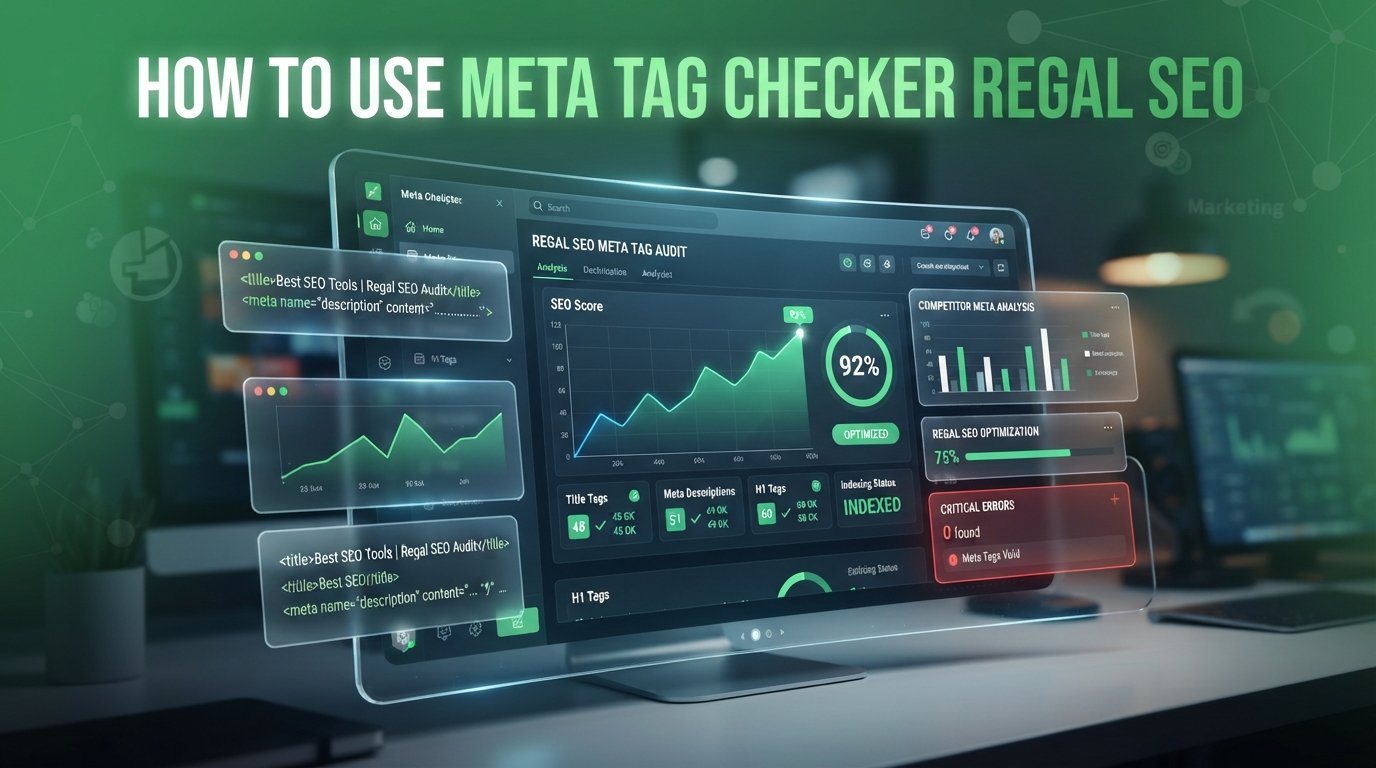
You’re paying for content, ads and an SEO retainer, and your search listings still read like nobody ever looked at them. Your agency says the metadata is “handled.” Here’s our take: a meta tag checker shows you what every page is telling Google, and you don’t need an agency to run one. Regal SEO’s free meta tag checker pulls every tag off a live page in seconds, with no signup.
KEY TAKEAWAY
Run your money pages through the meta tag checker, then read the title, description, canonical and robots tags the way a stranger would. The report shows what you declared. Search results show what Google decided. Close that gap, re-run the check, and give Google time to recrawl.
Regularly checking and optimizing your metadata using a reliable tool ensures your pages communicate effectively with search engines and potential buyers. By aligning your title tags, meta descriptions, canonical URLs, and Open Graph tags with proper search guidelines, you eliminate quiet traffic leaks, improve search visibility, and maximize click-through rates across your most valuable pages.
Most owners have seen their pages and their ads. Almost none have read the tags. The title and meta description sit in the HTML head, where nobody looks until something breaks.
That’s a problem, because those lines are the first thing a buyer reads in search results. Google says the title link is often the main thing people use to decide which result to click. So a lazy tag isn’t cosmetic. It’s a shop window nobody dressed.
Here’s what usually hides in that head:
None of these throw an error. The page loads, the design looks right, and the leak runs quietly.
You can’t fix what nobody’s read.
Now here’s the part most tool tutorials skip. A meta tag checker reads what your page says. It can’t tell you what Google shows.
Google makes that call. Its snippet documentation says snippets are primarily built from page content, and the meta description gets used only when Google thinks it describes the page better. Titles work the same way. Google builds title links from several sources, including the title element, your main heading and the og:title tag, and it may rewrite yours if it looks inaccurate or repetitive.
So your tags are a pitch. Google is the editor. Your job isn’t to stuff the pitch with keywords. It’s to make it the most accurate, specific version of the page so the editor has no reason to rewrite it.
That changes how you read the report. Take the character ratings. Regal SEO rates a title as Good at roughly 50 to 60 characters, and the tool itself says those ratings are guidelines, not hard rules. Google says there’s no limit on description length. It just truncates to fit the device. Regal’s own sample report even rates Wikipedia’s nine-character title “Short.”
A rating is a prompt to look. It isn’t a verdict.
The real diagnostic is the gap between what you declared and what Google displays.

Six steps. Run them in order, because the first two keep you from fixing the wrong page.
Open the checker, paste a full URL or a bare domain, and hit Check Meta Tags. Regal says it fetches the live page directly, so you’re not looking at a cached copy.
Start where a bad snippet costs the most.
The report opens with title length, description length and total meta tags found. Use them to decide where to look.
A rating is a flag, not a verdict.
Scroll to Meta Title and Meta Description. Forget SEO for a second. Would a buyer who’s never heard of you click?
If you’re building this into a bigger ranking plan, we break that down in our post on how to improve SEO rankings.
If the title could sit on a competitor’s page, rewrite it.
The Main SEO Tags block shows the canonical URL and the robots directive. Two lines. Both can wipe out a page.
This is the leftover-tag mistake we flag in how to avoid SEO mistakes that cost you traffic, and it’s why we check tags before any Shopify migration.
A page that says noindex isn’t going to rank, however good it is.
Open the All Meta Tags table and find the og: and Twitter tags. Regal says Open Graph tags affect share previews and how a page appears in AI-generated summaries.
This is also the layer our generative engine optimization (GEO) work builds on, because AI assistants quote what your page declares clearly.
If a link preview looks wrong, the tag is wrong. Fix the tag.
Make the edits where your site lets you. Google notes that platforms like Wix, WordPress and Blogger often have a settings page for meta tags, so you may not need to touch code.
Fix, verify, wait. In that order.
Be clear about what this tool is. It audits tags on the page you paste in. It doesn’t show rankings, clicks or conversions.
Speed is a separate problem too, and we cover it in how to fix slow website speed hurting SEO. Perfect tags on a slow page still leak visitors.
So track clicks, not just tags. We build dashboards with live alerts for this reason, so a dip pings you in days instead of showing up in a quarterly deck.
Clean tags earn the click. Your numbers prove it.
This is the order we’d work in at THEMAYK. Every project opens with a documented audit, not a hunch, and tag checks are part of it. We fix tracking and funnel leaks before a dollar goes into anything else.
Search, design and development sit under one roof here, so the person who writes your title isn’t a stranger to the person who builds the page. Most clients see their first measurable lift within 60 to 90 days. Once the click lands, our conversion rate optimization work picks up from there.
Stop guessing. If your tags check out and your traffic still isn’t moving, we should talk. Book a free strategy call at www.themayk.com.
Stop guessing why your search traffic is flat. At THEMAYK, we combine search strategy, design, and development under one roof to audit your tags, fix hidden funnel leaks, and optimize your high-value pages for maximum clicks. Let our team turn your metadata into a powerful growth engine book your strategy call today.
Because in 2026, the difference between a “No” and a “Yes” isn’t your tech stack—it’s the human strategy behind it. Let’s turn your digital ghost town into a conversion machine.
How to Use Meta Tag Checker Regal SEO You’re paying for content, ads and an SEO retainer, and your search listings still read like nobody ever…
How to Sell Business Consulting Like a Pro You’ve got real expertise, a few strong referrals and a discovery-call calendar with more gaps than bookings. Most…
How to Standardize Complex UI Before It Eats Your Roadmap Your product has six different buttons that all mean “save,” and your team wants a redesign…
How we use your info: Used strictly to review your project, prepare tailored insights, and reach out for a 1-on-1 strategy call. Zero spam, zero shared data.