How to Prepare Your Store for Google Universal Cart
How to Prepare Your Store for Google Universal Cart You’re already competing for product clicks on Google. Now Google is changing what happens after someone finds…
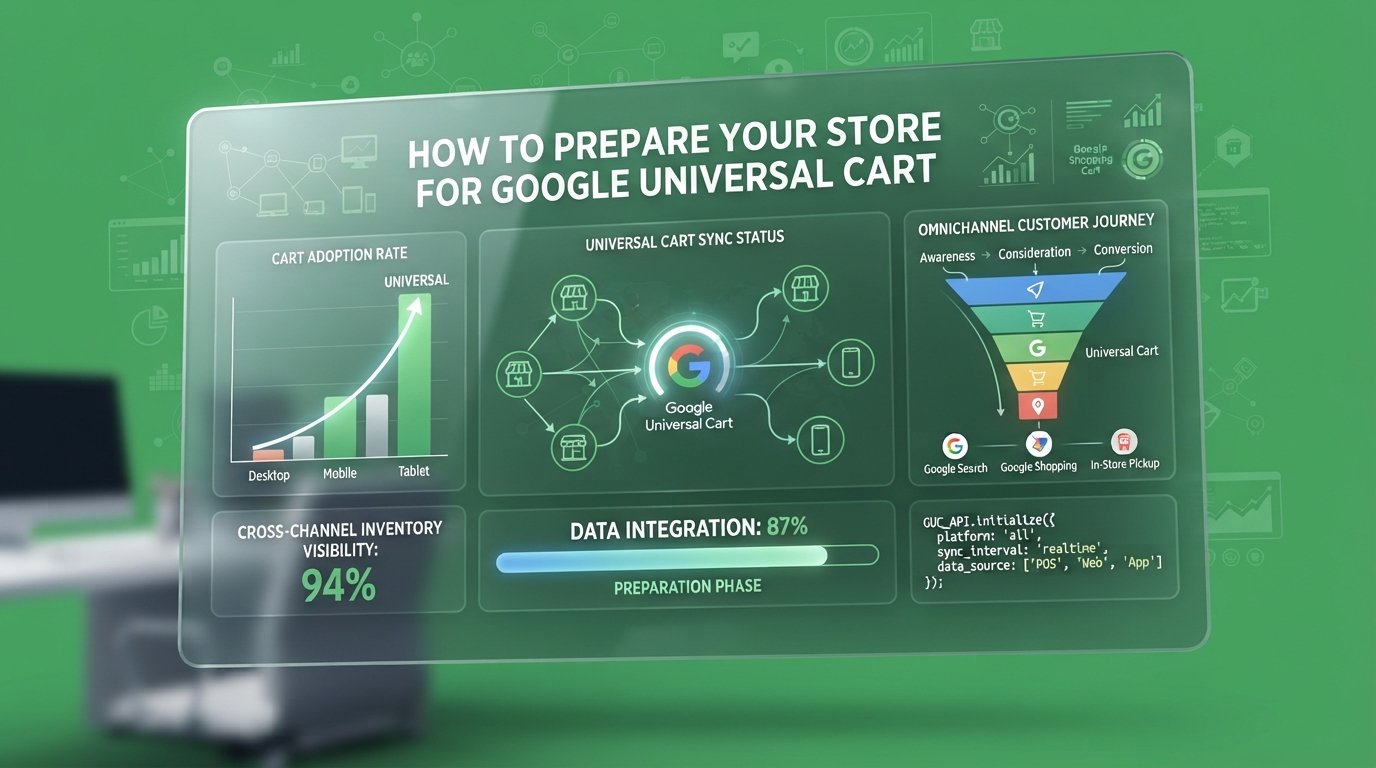
You’re already competing for product clicks on Google. Now Google is changing what happens after someone finds your product.
Its new Universal Cart brings products from different retailers into one shopping experience across Search and Gemini. Customers can save products, track prices and, with participating merchants, complete purchases using Google Pay.
Google announced the US rollout on October 15, 2026, ahead of the holiday shopping season. But while retailers are paying attention, many haven’t checked whether their product data, checkout infrastructure and Merchant Center accounts are ready.
Updating your product feed and waiting for Google to activate the feature isn’t a preparation strategy.
Google Universal Cart introduces a new buying journey. Your store needs the right data and checkout infrastructure to participate.
Google’s shopping experience will continue to evolve, and your store needs to keep up. Review your product listings regularly, monitor Merchant Center updates, and test your checkout process. Small improvements now can prevent bigger problems later. Stay informed, fix compatibility issues early, and make it easier for customers to complete their purchases.
For years, the standard e-commerce journey was simple: customers searched for a product, visited a website, added an item to their cart and completed checkout.
Universal Cart introduces another route.
Customers can discover products across Google Search and Gemini, save items from different retailers and return to them later. They may also receive notifications about price drops, restocked products and promotional offers.
When they’re ready to purchase, they can either:
Use Google Pay checkout: Complete eligible purchases through Google’s checkout experience.
Transfer to the merchant’s website: Move selected products into the store’s cart and finish purchasing there.
The technology behind this experience is the Universal Commerce Protocol (UCP). It allows shopping platforms, AI agents, merchants and payment providers to communicate during different stages of a transaction.
For merchants, two capabilities matter most: cart transfer and native checkout. Both require compatible technical integrations, but they aren’t the same thing.
You can review Google’s UCP integration documentation for the technical requirements.
Universal Cart isn’t just another product listing. It changes where and how customers complete purchases.
Your Merchant Center account is the starting point for preparing your store.
Google’s requirements include an account in good standing, approved products for free listings, accurate business information, return policies and customer support details.
Before considering UCP integration, check that:
Your Merchant Center account has no unresolved policy issues.
Product prices match your live website.
Inventory and availability information are accurate.
Product titles, descriptions and images are complete.
Product identifiers and variations are correct.
Return policies and customer support details are available.
Google also uses the native_commerce attribute group to communicate product eligibility.
For native checkout, the relevant attribute is:
native_commerce(checkout_eligibility)
It accepts TRUE or FALSE. Products without an eligibility value default to ineligible for native checkout.
Cart transfer follows a different rule. Eligible products approved for free listings can participate by default when the relevant UCP capability is declared in the merchant profile. Merchants can exclude products using:
native_commerce(cart_eligibility)
If you’re supporting both capabilities, the combined format is:
TRUE:TRUE
One detail deserves attention: Google overwrites the entire native_commerce attribute group with each feed upload. Missing values can erase previously configured eligibility settings.
Review Google’s Merchant Center preparation guide before making changes.
Your product feed must reflect what customers can actually purchase, not outdated information.
Having approved products doesn’t automatically make your store ready for UCP checkout.
Native checkout requires compatible payment credentials, Google Pay and Wallet Console configuration, and the necessary technical integration.
If your payment service provider (PSP) isn’t already integrated with the Google Pay API, additional onboarding may be required.
Your development team also needs to understand the difference between the two integration routes:
Native checkout: Requires REST API endpoints to create, update and complete checkout sessions.
Cart transfer: Requires a compatible Cart API that receives selected products and creates or updates the customer’s existing cart.
This doesn’t mean simply adding a Google Pay button to your website will make your store UCP-ready.
Review Google’s official checkout requirements before committing development resources.
Also, don’t assume every merchant can activate these capabilities immediately. Google is rolling out merchant access gradually, and participation depends on eligibility and supported integrations.
The consumer-facing Universal Cart experience launched in the US. Merchant checkout access is more limited, so businesses should confirm availability with Google and their e-commerce platform providers.
Being technically prepared doesn’t guarantee immediate access.

At “TheMayk”, we’d approach Universal Cart preparation through five practical checks:
Resolve account warnings, check product approvals and confirm that your return and support policies are complete.
Update prices, inventory, product identifiers, descriptions and variations. Make sure everything matches your live store.
Understand the native_commerce attributes, check which products qualify and test feed updates before changing your primary product data.
Contact your platform provider, review Google Pay compatibility and determine whether your store can support native checkout or cart transfer.
Track product visits, cart activity, checkout initiation and completed purchases. Look for inconsistencies that could prevent customers from completing orders.
The goal isn’t simply to appear on Google. It’s to make purchasing easier once customers find your products.
Universal Cart is another reason e-commerce businesses need to take product data, website performance and checkout infrastructure seriously.
At THEMAYK, we look at how these systems connect before recommending changes. Our work covers e-commerce website development, analytics, conversion optimisation and search visibility.
If you’re already investing in your store, don’t wait until a new shopping feature exposes problems you’ve ignored for months.
Explore THEMAYK and let’s build an e-commerce experience that’s ready for what’s next.
Stop guessing. Start growing.
Google Universal Cart could change how customers discover and purchase products. Start by reviewing your Merchant Center account, improving product data, and checking checkout compatibility. Don’t wait until problems appear. Need help preparing your store for Google’s evolving shopping experience? Contact THEMAYK today. Our team can help you strengthen your e-commerce strategy and prepare your store for what’s next.
Because in 2026, the difference between a “No” and a “Yes” isn’t your tech stack—it’s the human strategy behind it. Let’s turn your digital ghost town into a conversion machine.
How to Prepare Your Store for Google Universal Cart You’re already competing for product clicks on Google. Now Google is changing what happens after someone finds…
How to Turn Off Meta AI Ad Edits Before Black Friday You’re paying a designer to create product visuals, a copywriter to write your ad, and…
How to Move From DSA to AI Max Without Losing Leads You’ve built your entire lead-generation engine around Dynamic Search Ads. They scrape your inventory, match…
How we use your info: Used strictly to review your project, prepare tailored insights, and reach out for a 1-on-1 strategy call. Zero spam, zero shared data.