Search Console Branded Queries: How to Track Growth
Search Console Branded Queries: How to Track Growth You’re watching total organic clicks climb on a weekly call, yet new pipeline feels strangely flat. Your agency…
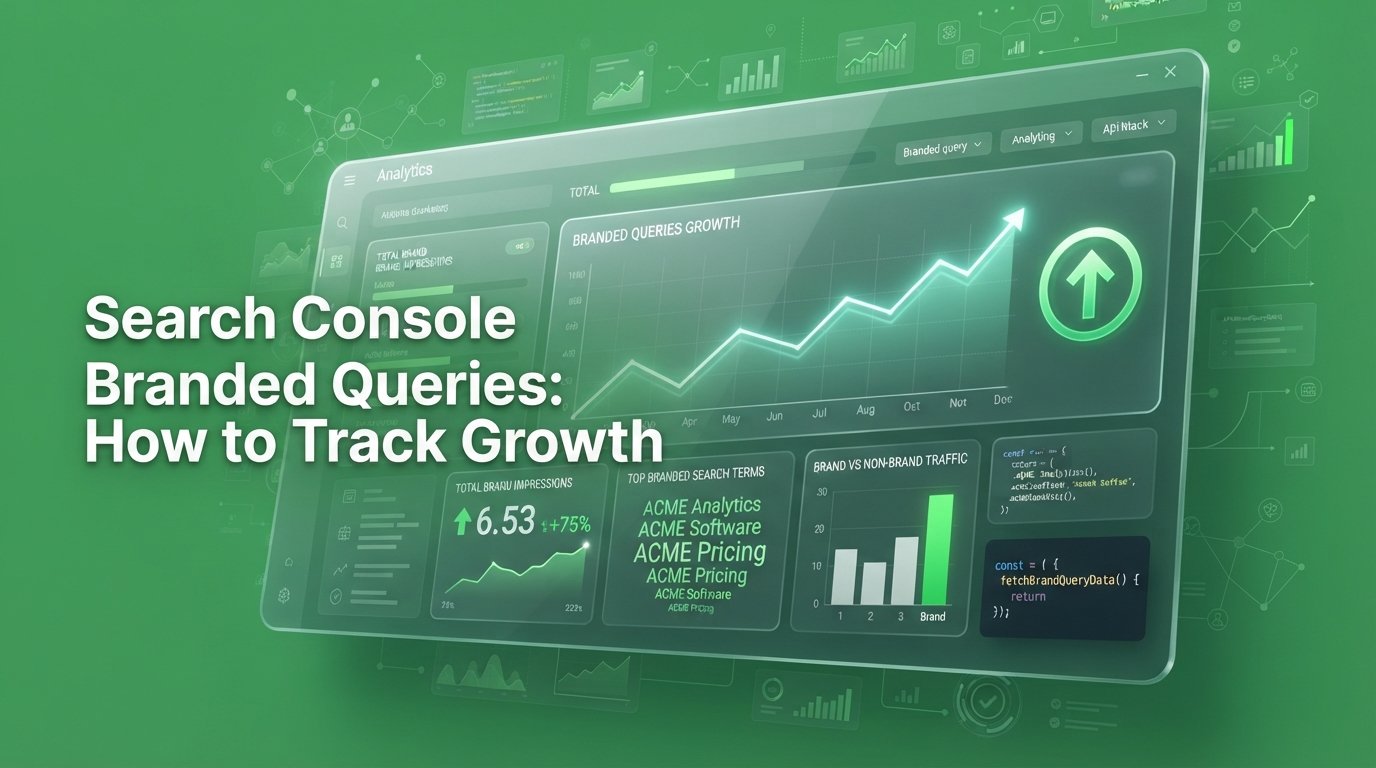
You’re watching total organic clicks climb on a weekly call, yet new pipeline feels strangely flat. Your agency points to a green arrow and calls it momentum. We’ve audited plenty of accounts like this most of the time, your brand isn’t winning new buyers, it’s just harvesting people who already know your name.
The Era of “Zero-Trust” Content. We’re moving into a “Phase 2” digital landscape where users will reflexively ignore anything that smells like a template. The winners won’t be the ones with the biggest ad spend; they’ll be the ones building Digital Neighborhoods. In the coming year, your website’s value won’t just be about SEO rank,it’ll be about “Community Velocity,” or how fast a total stranger turns into a loyal advocate
Look at a standard Search Console Performance report without filtering. Branded and non-branded traffic sit tangled in the same chart. A spike from a founder podcast, a PR mention, or a social post looks just like an SEO win.
Meanwhile, your actual topic rankings might be slipping quietly in the background. When you report blended numbers to leadership or clients, you can’t tell if content is attracting strangers or if your existing audience is just typing your name into Google.
Misreading that split costs real money. You keep funding content that isn’t bringing in net-new demand, or you cut a channel that was quietly building awareness. A green click chart means nothing if you don’t know who actually searched for you.
Here’s where it gets interesting. As AI answers absorb more informational clicks, people who do look for your brand by name carry a completely different kind of intent. According to Google’s announcement on the branded queries filter, branded queries typically lead to higher-ranking pages and stronger click-through rates, while non-branded queries show how new users discover you without prior intent.
In November 2025, Google rolled out the branded queries filter in Search Console to separate branded from non-branded queries automatically, alongside a Search Console Insights branded traffic card. Then on November 16, 2026, Google added branded query classification (brandedClassification), multimodal search data, and multi-country or multi-device filters to the Search Analytics API.
Now teams can pull brandedClassification into automated reporting instead of babysitting fragile regex lists for every typo and product name. Still, don’t treat Google’s AI-assisted split as gospel. As Google notes in its Search Console branded filter documentation, queries can occasionally be misclassified, the filter doesn’t affect rankings, and API branded history only starts on February 21, 2026. Brand demand proves pull, while non-brand proves reach and you need both to know if your growth is real.

You don’t need a complicated data warehouse to start reading this split properly. You need a clean process that separates discovery from demand and flags where the data has blind spots.
Open a top-level Domain property in Search Console and check the Performance report query filter. Subdomain properties, URL-prefix path properties, and smaller sites without enough query or impression volume may not have the branded filter or brandedClassification rows yet.
Filter for Branded first, note clicks, impressions, CTR, and average position, then switch to Non-branded for the same period. Watching them side by side shows whether growth is coming from existing brand familiarity or new topic discovery.
If your property lacks the native filter, has a common-word brand name, or you want to spot misclassifications, build a regex pattern with word boundaries (\b) and product names to test your query list. Comparing the native split against a regex catches weird edge cases before a client asks why a generic term landed in brand.
Once you’re building recurring reports, query the Search Analytics API using brandedClassification and keep in mind that branded data starts on February 21, 2026, and doesn’t mix with a query filter in the same request. Pair it with filterLists when you need multi-country or multi-device slices in one call.
When branded clicks climb after a launch, PR push, or paid campaign, tie it to that commercial activity rather than claiming an organic ranking miracle. Keep non-branded growth as your primary gauge for whether new buyers are finding you through search.
When you build business and website analytics dashboards for clients at “TheMayk”, we separate brand pull from organic discovery right up front so nobody mistakes a campaign spike for compounding search authority. Connecting those numbers to search engine optimization and funnel tracking turns raw Search Console exports into decisions you can actually defend.
Stop guessing what your search numbers mean. Explore our analytics and SEO work at themayk.com and build reporting that shows what’s actually growing.
At “TheMayk”, we build analytics dashboards and SEO systems that separate brand demand from organic discovery, giving you data you can actually defend. Stop guessing what your clicks mean. Let’s build reporting that shows what’s really growing. Start a conversation at themayk.com and turn raw search numbers into real momentum.
Because in 2026, the difference between a “No” and a “Yes” isn’t your tech stack—it’s the human strategy behind it. Let’s turn your digital ghost town into a conversion machine.
Search Console Branded Queries: How to Track Growth You’re watching total organic clicks climb on a weekly call, yet new pipeline feels strangely flat. Your agency…
WordPress 7.1.5 Update: How to Avoid Security Risks You see the red notification badge inside your WordPress dashboard, and you immediately close the tab. Your developer…
How to Stop Wrong Coupon Codes Showing in AI Answers Black Friday is six days away. A shopper types your brand name and “coupon code” into…
How we use your info: Used strictly to review your project, prepare tailored insights, and reach out for a 1-on-1 strategy call. Zero spam, zero shared data.