How to Avoid Costly Google Ads AI Max Mistakes
How to Avoid Costly Google Ads AI Max Mistakes You turned on AI Max because Google promised more conversions. Three weeks in, your search terms report…
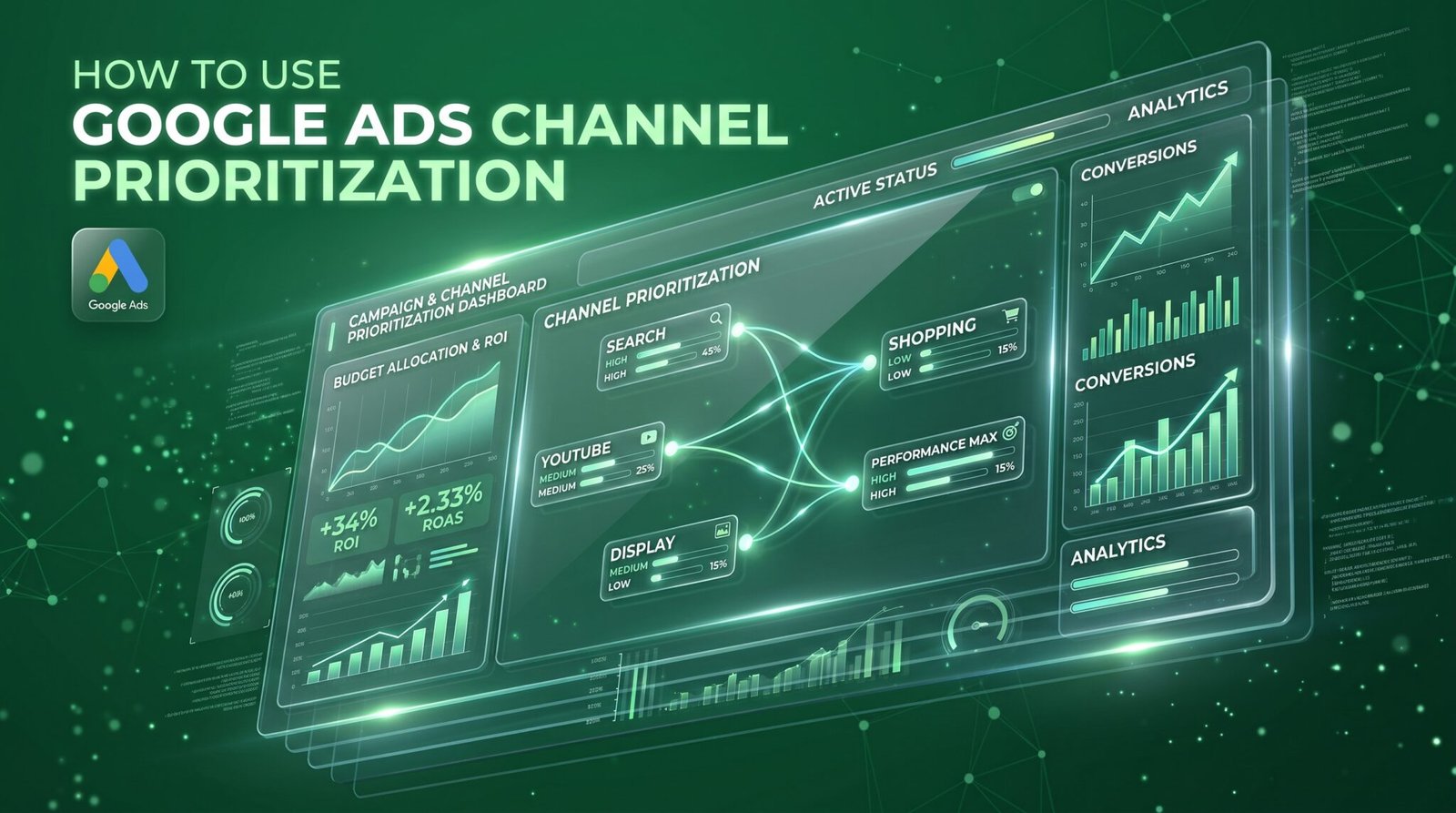
You’re running more campaigns than ever, your creative looks sharp, and nobody seems to notice. Your agency says the fix is more content and more AI variations. We think that’s exactly why you’re invisible: when everyone can produce ads for free, getting noticed stops being a creative problem and becomes a budget problem. That’s where Google Ads channel prioritization comes in.
AI has flooded every feed, turning brand visibility into a deliberate budget allocation problem rather than a simple creative hurdle. Leaving Google’s automation on autopilot quietly drains your money across low-value, invisible placements. By setting up Google Ads channel prioritization and establishing strict spending caps before the February 2027 deadline, you reclaim full control funding high-converting surfaces first so your campaigns consistently capture real attention.
Here’s the pattern we see. The ad passes every internal review. The headline is clean, the image is polished, the offer is clear.
Then it lands in a feed next to five others that look and sound exactly the same.
That isn’t bad luck. Production got cheap for everyone at the same time. The tool that writes ten headlines in ten seconds works just as well for your competitor.
So impressions look healthy. Clicks look fine. And nobody could tell you what your brand actually stands for.
Most advice at this point is “make better creative.” Better than what, when the baseline is rising for everyone?
When everyone gets the same tools, good enough turns invisible.
This isn’t a feeling. Graphite sampled 55,400 English-language web articles and found that primarily AI-generated pieces made up 49.9% of new articles in Q1 2026. That share has held near 50% for five straight quarters.
That’s articles. Ads and social posts run on the same economics, and we’d bet they’re heading the same way. The cost of making one just collapsed.
Here’s the twist. The same Graphite research says those AI-generated articles largely don’t show up in Google or ChatGPT. Volume isn’t visibility.
Flooding the zone doesn’t win the zone. What gets through is specific, deliberate, and backed in the right places. On the organic side, that’s the logic behind our generative engine optimization work.
Volume is cheap now. Attention isn’t.
There’s a second way marketing gets harder to notice, and it’s on your side of the screen.
Performance Max, Demand Gen, and AI-driven Search campaigns pick placements for you. Inside Performance Max and Demand Gen, Google even groups Search, YouTube, Maps, Gmail, and Discover into a single bucket it calls Google channels.
Performance Max does have a channel performance report now. Its help page describes a message worth reading twice: when a campaign is limited by budget, a channel can sit idle because Google is prioritizing conversions on channels it considers more efficient.
More efficient by whose math? Google’s, aimed at your conversion goal. That’s useful. It’s also a decision you didn’t make.
We’ve written before about AI Max settings, and the pattern is the same. The automation is good at finding conversions and bad at explaining itself.
If you can’t see where the money lands, you can’t explain why nobody notices.
Here’s the reframe we use with clients. Creative decides whether someone stops. Budget decides whether they ever get the chance.
When automation spreads your spend across every surface it can reach, your best creative runs beside your weakest placements. Your brand shows up wherever attention is cheapest, not wherever it’s strongest.
Google just handed advertisers a lever for this. Its Channel Prioritization and Budget Allocation controls, announced October 14, 2026, let you mark channels as High or Low priority. Campaigns fund the high-priority ones first (within your Target CPA or Target ROAS) and only then spend what’s left on the rest.
Low-priority channels can also get a cap, set as a share of your daily budget. Before this, Search partners and the Display Network were close to all or nothing. Google’s own announcement says these controls give more flexibility than all-or-nothing opt-outs.
These channel-level budget controls are rolling out gradually across Search, Shopping, Performance Max, and Demand Gen, so you may not see them in your account yet.
Noticed isn’t about more ads. It’s about funding the right surface first.
This part comes with a clock. Starting in February 2027, Google is retiring the current spend allocation setup for Search campaigns that have the Display Network turned on. You may see spend shift between channels.
To keep today’s behavior, Google says to set the Display Network to Low priority with a 50% budget allocation. If you’ve never touched that setting, you’re about to have an opinion forced on you.
Here’s how the cap works. It’s a percentage of the campaign’s average daily budget. Google’s own example: a 5% allocation on a $1,000 average daily budget means the system aims to keep that channel at or below $50 a day. Set it to 0% and Google won’t spend there.
Caps are best-effort, not a guarantee. Treat them as a fence, not a wall.
The controls roll out at both the account and campaign levels, and they work with shared budgets too. Here’s the process we’d run:
Open your Google Ads channel settings with those six steps next to you. It takes an afternoon, not a quarter.
Every channel without a rule is a channel on autopilot.

These are starting points we’d test, not benchmarks. Nobody has published a magic ratio for Google Ads budget allocation, and anyone selling you one is guessing.
We use 30-day months, so $3,000 a month is $100 a day. Every percentage below applies to that campaign’s own daily budget.
Roughly $100 a day.
Budget split by campaign type:
Channel settings:
Why this split: a small budget needs the two campaign types with the clearest buying intent. Search catches people already looking. Performance Max works your feed.
At this size, every dollar you let wander is a dollar you didn’t choose.
Roughly $300 a day.
Budget split by campaign type:
Channel settings:
Why this split: this is where you can afford Demand Gen to build demand while Search and Performance Max collect it.
Change one cap at a time, or you’ll never know which one worked.
Roughly $1,000 a day.
Budget split by campaign type:
Channel settings:
Why this split: at this scale, Demand Gen earns a quarter of the budget because you need new audiences, not just the people already searching.
At $1,000 a day, a sloppy 10% costs you $100 a day.
Here’s the catch most people miss. Google says channel prioritization on its own generally won’t change anything for Target CPA or Target ROAS campaigns that aren’t limited by budget. Budget allocation is what restricts spend there.
So if you flip channels to Low on an uncapped Target ROAS campaign and nothing happens, nothing’s broken. You skipped the cap.
Don’t punish a channel that’s already hitting target, either. If Display converts at your ROAS, a Low tag only shrinks the inventory your bidding can work with.
And if a channel looks suspiciously cheap, check for invalid traffic before you celebrate.
A cap you didn’t set is a decision Google made for you.
Prioritization isn’t set and forget. Open the numbers every week and ask four things:
We build this into one marketing dashboard so nobody opens five tabs to find out. Spend nobody’s watching sits behind a lot of costly Google Ads mistakes.
If the numbers move and you can’t say why, you’re back to guessing.
This is how we approach it at THEMAYK. Before we put a dollar into a client’s Google Ads, we fix tracking and look at where spend and conversions actually land by channel. Then we set priorities and caps on purpose, instead of inheriting defaults. You can see how we run Google Ads and Search campaigns here.
If you can’t say where your last $10,000 of ad spend landed, let’s find out. Stop guessing. Book a free strategy call at www.themayk.com.
AI has made ad production cheap, turning attention into a budget allocation problem rather than a creative one. Leaving Google’s automation on autopilot spreads your spend thin across low-value placements. By using Google Ads channel prioritization and setting deliberate caps before February 2027, you take back control funding proven surfaces first so your brand actually gets noticed.
Because in 2026, the difference between a “No” and a “Yes” isn’t your tech stack—it’s the human strategy behind it. Let’s turn your digital ghost town into a conversion machine.
How to Avoid Costly Google Ads AI Max Mistakes You turned on AI Max because Google promised more conversions. Three weeks in, your search terms report…
How to Use Google Ads Channel Prioritization You’re running more campaigns than ever, your creative looks sharp, and nobody seems to notice. Your agency says the…
The Proven Way to Avoid Costly Google Ads Mistakes Google Ads can be a powerful way to attract potential customers, increase website traffic, and grow your…
How we use your info: Used strictly to review your project, prepare tailored insights, and reach out for a 1-on-1 strategy call. Zero spam, zero shared data.