
Blogs > How to Set Up TIkTok Ads Manager In 2026

How to Set Up TIkTok Ads Manager In 2026

You just burned $3,000 on TikTok ads. Your dashboard shows 14 conversions. Your Shopify analytics shows two. Your media buyer insists the algorithm just needs more time to learn, but deep down, you know the truth: you are burning cash to feed broken attribution data to a platform that demands surgical precision.

Most founders treat TikTok Ads Manager like a glorified boosted post setting. They register an account, slap a base pixel tag on their site header, throw $50 a day at a generic interest cluster, and wonder why their cost per acquisition spikes into unprofitability within 72 hours.

In 2026, TikTok is no longer a cheap, top-of-funnel impression engine where raw volume compensates for bad setup. It is an algorithmic platform where signal quality dictates your CPMs. If your tracking, account architecture, or data integrations are off by even a fraction, the system optimizes for low-intent scrollers who will never buy.

Fixing your tracking parameters is non-negotiable

Mapping explicit parameters across your core conversion events prevents signal loss and stops the algorithm from optimizing for accidental clicks. When you pass accurate line-item data like transaction values and product IDs directly through server-side triggers, TikTok can accurately match purchases back to your ad spend. Clean conversion data trains the pixel to find buyers, not scrollers.

The pixel tag is dead. Signal loss is eating your margins

Setting up TikTok Ads Manager used to mean pasting a single snippet of JavaScript into your store header and letting the platform track page views. If that is still your setup, you are operating with an attribution blackout.

Browser updates, advanced ad blockers, and cookie restrictions mean a standard browser-based pixel loses up to 40% of its event data before it ever hits TikTok’s server. When TikTok’s optimization engine misses 40% of your conversion signals, two things happen:

  • The algorithm bids blind: It cannot tell the difference between a high-value customer and a misclick, forcing your account into lower-quality ad auctions.

  • Lookalike audiences degrade: Your seed lists become diluted with partial data, making your lookalike modeling virtually useless.

If you are serious about ROI, the native TikTok Events API is not an advanced option it is the bare minimum foundation for server-side tracking.

Stop Leaking Revenue to "Optimized" Mediocrity

Key Takeaway

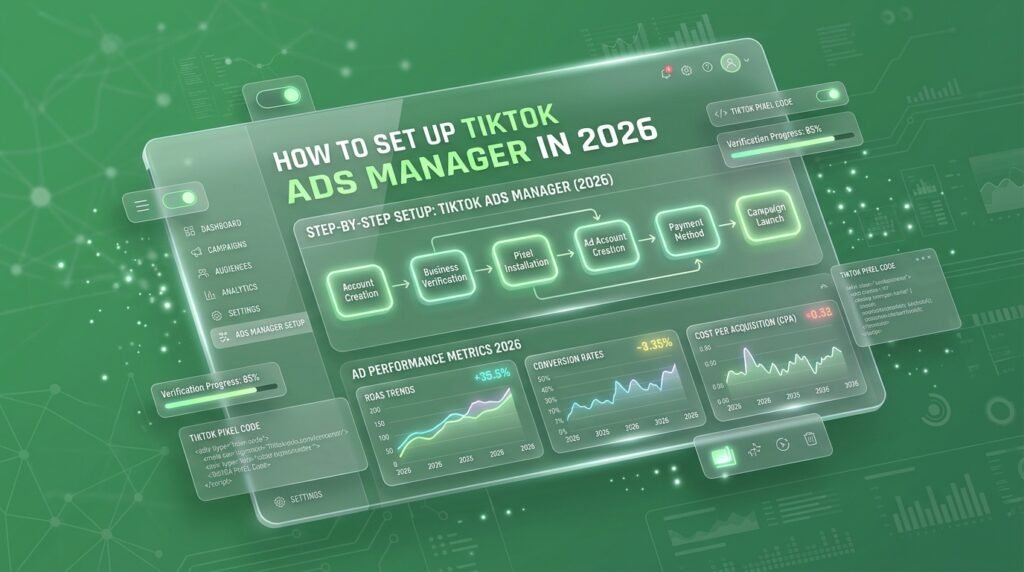
The 4-step framework for setting up TikTok Ads Manager in 2026

Setting up an enterprise-grade TikTok ad account requires configuring server-side tracking, structuring your asset permissions, and feeding clean first-party data directly into the system. Here is the operational workflow we use across client accounts at “TheMayk”

Step 1: Secure your Business Center hierarchy

Do not create an ad account under a personal TikTok profile. Navigate directly to TikTok Business Center to set up your master organization account.

  • Create a dedicated Business Center using your primary business domain.

  • Assign user access using Role-Based Access Control (RBAC) keep owner privileges strictly with the leadership team, assigning “Standard” access to media buyers.

  • Provision your Ads Manager Account inside the Business Center rather than linking external individual accounts.

To bypass browser signal loss, you must pair your standard Web Pixel with the TikTok Events API (Server-to-Server).

  1. Inside Ads Manager, navigate to Assets > Events and choose Web Events.

  2. Select Manual Setup via Events API or use an official server-side integration (like Shopify’s native TikTok Channel app or Google Tag Manager Server-Side).

  3. Enable Advanced Matching. Ensure you are passing hashed customer variables specifically email, phone_number, external_id, and ip_address to maximize your Event Quality Score (EQS).

  4. Configure Event Deduplication by passing identical event_id parameters across both the browser pixel and server API to prevent double-counting orders.

If you run e-commerce, static single-image or manual video setups are inefficient for scaling broad targeting.

  • Go to Assets > Catalogs and build a new product feed.

  • Connect your inventory via an automated XML/CSV feed URL or direct platform integration.

  • Verify that your catalog item IDs match the content_id parameters fired by your ViewContent, AddToCart, and CompletePayment pixel events.

Do not rely solely on automated event detection; explicitly map your primary conversion triggers inside your tracking configuration to ensure clean data flow. You need to capture precise parameter data at every stage of the funnel:

  • ViewContent: Fire this event directly on your Product Detail Pages (PDPs), passing the required content_id, value, currency, and content_type parameters.

  • AddToCart: Trigger this on your cart drawer or main ‘Add to Cart’ button click, explicitly passing content_id, value, currency, and quantity.

  • InitiateCheckout: Pass content_id, value, currency, and num_items as soon as a customer completes the first step of the checkout flow.

  • CompletePayment: Fire this on your official order confirmation or thank-you page, verifying that content_id, value, currency, and a unique order_id are included so your server deduplicates transactions properly.

Stop blaming the creative when your account architecture is broken

Media buyers love to treat TikTok as purely a creative-first platform. While creative quality dictates engagement, your account structure dictates profit.

When tracking is inaccurate, your creative assets never reach the right audience. Fixing your setup ensures that every dollar spent feeds actionable data back into your system.

At THEMAYK, we integrate technical setup directly with full-funnel performance. Discover how our team handles performance systems on our Paid Media strategy page, or explore our complete Brand & Design and Marketing Intel solutions to turn raw ad traffic into predictable revenue.

If your TikTok ads are burning budget without driving verified revenue, stop guessing. Let us audit your tracking and rebuild a growth system that actually scales. Book an account review with our team at www.themayk.com.

Conclusion

Most agencies will tell you to double your ad spend or test twenty new video hooks when performance stalls. They are missing the point. If your TikTok Ads Manager is passing incomplete, low-quality server signals to the algorithm, you are just scaling inefficiency. Fix your Events API, secure your tracking architecture, and build a system that turns cold traffic into predictable revenue. Stop guessing. Start growing.

See How Our Agency Grow Your Traffic Into Conversions

SEO – unlock sustainable growth with proven search strategies.
Content Strategy – magnetic content that earns links, shares, and brand authority.
Paid Media – precision campaigns built for measurable ROI.

Blogs

How to Set Up TIkTok Ads Manager In 2026

How to Set Up TIkTok Ads Manager In 2026 You just burned $3,000 on TikTok ads. Your dashboard shows 14 conversions. Your Shopify analytics shows two. Your media buyer insists the algorithm just needs more time to learn, but deep down, you know the truth: you are burning cash to feed broken attribution data to […]

Why Did My Shopify Thank You Page Stop Working?

Why Did My Shopify Thank You Page Stop Working? Your Shopify Thank You page was fine last week. Now it’s blank, missing content, or your ad platforms suddenly can’t see a single conversion, and you didn’t touch a line of code. Your first move is probably to blame the last app you installed. Uninstall it, […]

How to Add 3D and AR Product Views to a Shopify Store

How to Add 3D and AR Product Views to a Shopify Store You spent thousands on high-res product photos, optimized your ad creative, and drove targeted traffic to your store. Your analytics look great until visitors reach the product page where conversions stall. The common fix is running a site-wide sale or testing button colors. […]

LET'S TALK GROWTH

Ready to scale your brand?

Tell us a bit about your goals, and we’ll show you how we can help.

How we use your info: Used strictly to review your project, prepare tailored insights, and reach out for a 1-on-1 strategy call. Zero spam, zero shared data.