How to Check If Your Website Is Blocking AI Crawlers
How to Check If Your Website Is Blocking AI Crawlers You wrote a genuinely useful answer to a question your buyers actually ask. Somewhere in an…
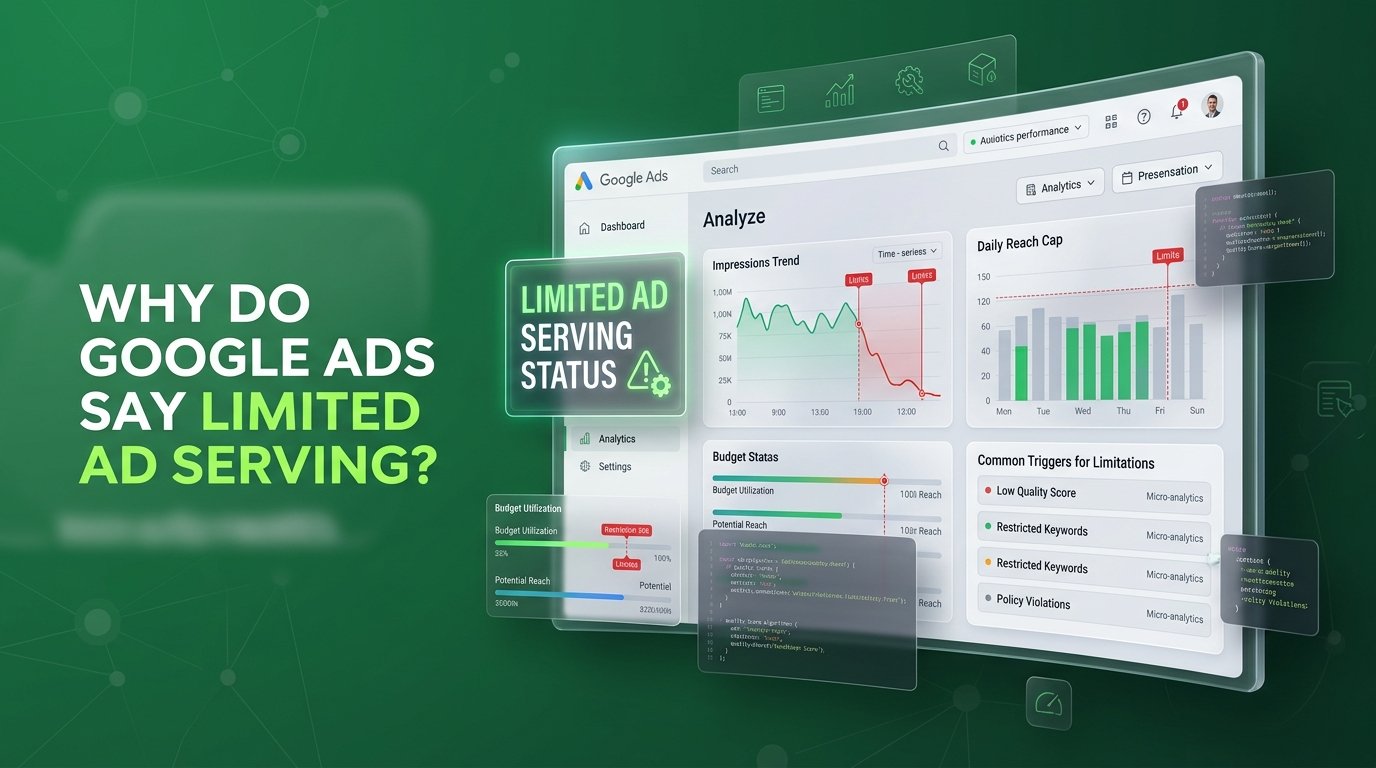
Your account manager logged into Google Ads this morning and saw a banner that wasn’t there yesterday: limited ad serving. Impressions dropped. Nothing in the account changed. Support says it’s automatic and to give it time.
That’s not an answer. It’s a shrug.
Limited ad serving isn’t a punishment, and it isn’t a policy violation either even though it feels exactly like one. It’s Google deciding it doesn’t trust your account yet. Trust is something you build. It isn’t something you can request, and it definitely isn’t something more budget buys you.
Google continuously evaluates account signals on an ongoing basis rather than sticking to a fixed review timeline. While you wait for automated reclassification, consistently monitoring performance metrics and maintaining active, policy-compliant campaigns helps demonstrate reliability. Fixing identity and branding gaps now resolves the current restriction and protects your account against future delivery caps.
Here’s what usually happens first. Someone on the team spots the drop in impressions, checks the campaign, and finds a small note buried in the account: your ads are eligible, but limited.
No disapproval. No suspension. Just fewer people seeing your ads than there were last week, for reasons the interface barely explains.
The instinct is to react fast. Raise the budget to push through the ceiling. Rewrite the ad copy in case something got flagged. Pause the campaign and relaunch it, hoping a clean slate resets the count.
None of that fixes the actual issue, because none of it addresses what Google is actually evaluating. Limited ad serving isn’t about your creative or your bid. It’s about whether Google currently classifies your account as a qualified advertiser and that’s a completely different problem to solve.
Most advertisers confuse two very different statuses, and the confusion is exactly what keeps them stuck.
An ad marked “Eligible (limited)” is a policy-based restriction. Google applies it when your ad or product sits inside a regulated category alcohol, gambling, healthcare, and trademarks are the classic examples and it’s permitted to show, just not everywhere or to everyone. Google’s own definition of the status covers ads and products that comply with policy but are restricted in where and when they can show.
Limited ad serving is a different mechanism entirely. It has nothing to do with what your ad says. It’s a trust score applied to the advertiser, not a rule applied to the ad. According to Google’s Advertising Policies documentation on limited ad serving , ads from unqualified advertisers are limited in specific scenarios to reduce the risk of a negative experience for the person who clicks and if you’re not operating inside one of those scenarios, this policy never touches your account at all.
That distinction matters because it changes what you fix. You can’t appeal your way out of a trust problem the way you’d appeal an ad disapproval. You have to become the kind of advertiser Google already trusts.
Here’s where it gets interesting: Google never tells you your exact score. But it does tell you what it’s measuring.

Per Google’s qualification criteria , the account attributes, user activity and reports, account maturity, ad format usage, history of policy compliance, advertiser industry, and advertiser verification status all factor into the decision. Miss enough of those, and your impressions get capped until the picture improves.
On Search specifically, one signal carries more weight than advertisers expect: who the user thinks they’re talking to. Google takes user reports especially seriously here when people persistently and disproportionately report that an advertiser’s content, products, or behavior don’t meet expectations, Google may treat that advertiser as unqualified and limit impressions on certain searches.
Branding plays into this more than most accounts realize. Ads that reference other brands, or generic ads with no clear branding at all, can leave users unsure who they’re actually engaging with, and Google may respond by limiting impressions across all of that advertiser’s branded and generic ads for those searches.
So the account that gets capped isn’t always the one doing something wrong. It’s often the newer account, the unverified one, or the one running ads that could be mistaken for a competitor’s. The system isn’t punishing bad actors exclusively. It’s protecting against confusion and confusion is cheap to create by accident.
This is the part that actually moves the needle. Not a support ticket. Not a bigger budget. A short list of things Google is already watching.
If your account is eligible, this is the single highest-leverage step. It confirms who’s behind the account and directly feeds the qualification decision.
New or lesser-known brands benefit the most here, because it removes any doubt about whose ad someone is looking at.
Your business name should show up clearly in both places. If you reference another brand, your relationship to it needs to be obvious, not implied.
Vague headlines and vague landing pages read as low-trust to both users and Google’s systems. Specific language builds the opposite impression.
Positive engagement during this window is exactly what feeds a reassessment pausing everything doesn’t speed anything up.
using the Limited Ad Serving Appeals Form, if a meaningful share of your impressions are still capped.
Verify to build trust. Pin your domain to remove ambiguity. Tighten your copy to cut the confusion. Each one moves a specific signal Google is already watching. Google reviews and updates these limits on an ongoing basis, and there’s no fixed timeline for how long reinstatement takes.
When a client brings us a limited ad serving notice, we don’t touch the bids first. We pull the account attributes, the verification status, and the landing page branding, because that’s the same order Google is checking them in.
Most of the time, the fix isn’t a bigger campaign. It’s a smaller list of overlooked settings an unverified business identity, a landing page that doesn’t match the ad’s brand name, or generic copy that reads the same as ten competitors. Once those are cleaned up, we watch the account like we’d watch any conversion rate optimization audit tracking impressions and engagement daily instead of guessing.
This is the same trust-building groundwork we lay before touching a client’s Google Ads and Search campaigns in the first place, and it’s part of why accounts we manage rarely see this notice more than once. If your account is going through a related shake-up like the recent AI Max campaign migration it’s worth checking both at the same time, since new campaign structures can shift how Google reads your account’s maturity.
Stop guessing at what tripped the limit. Book a free strategy call at themayk.com and we’ll walk your account, tell you exactly what Google is measuring, and map the fastest path back to full ad serving.
Limited ad serving isn’t an account death sentence it is simply a trust check. By completing advertiser verification, tightening brand consistency from ad copy to landing page, and avoiding ambiguous messaging, you directly address the signals Google evaluates. Rather than pausing campaigns or blowing budget, maintain clean, compliant activity to give the algorithm positive data. Once these foundational trust fixes are in place, your account will build the credibility required to remove reach caps and regain full ad serving momentum.
Because in 2026, the difference between a “No” and a “Yes” isn’t your tech stack—it’s the human strategy behind it. Let’s turn your digital ghost town into a conversion machine.
How to Check If Your Website Is Blocking AI Crawlers You wrote a genuinely useful answer to a question your buyers actually ask. Somewhere in an…
Why Do Google Ads Say Limited Ad Serving? Your account manager logged into Google Ads this morning and saw a banner that wasn’t there yesterday: limited…
How to Create a Digital Marketing Plan for a Small Buisness You’ve got a website, an Instagram account you post to when you remember, and a…
How we use your info: Used strictly to review your project, prepare tailored insights, and reach out for a 1-on-1 strategy call. Zero spam, zero shared data.